
Guide library
Read the part you need. Use it today.
Every guide has a quick answer, a concrete setup, common questions, and the sources behind the advice.
01
Find the right people
Search, engagement signals, and list decisions that give your outreach a real reason.
 Evidence-led prospecting · 11 min readHow to use buying signals to prioritize LinkedIn outreachUse LinkedIn buying signals to decide who needs attention next. Check identity, timing and relevance, avoid false intent, and build a practical review queue.Read guide
 Prospect data quality · 11 min readHow to remove duplicate LinkedIn leads without losing the historyClean duplicate LinkedIn leads in Sheets, Excel and your CRM. Match identities, preserve useful history and check contact restrictions before importing again.Read guide
 Prospect segmentation · 10 min readThe benefits of segmenting LinkedIn prospects, and when to stop splittingSegment LinkedIn prospects by fit, timing, source, and next action. Use practical examples and tests that keep lists useful for outreach.Read guide
 Lead qualification · 10 min readHow to qualify LinkedIn leads before contacting themCheck account fit, current roles and relevant evidence before LinkedIn outreach. Use a practical review record that keeps unknowns separate from disqualifiers.Read guide
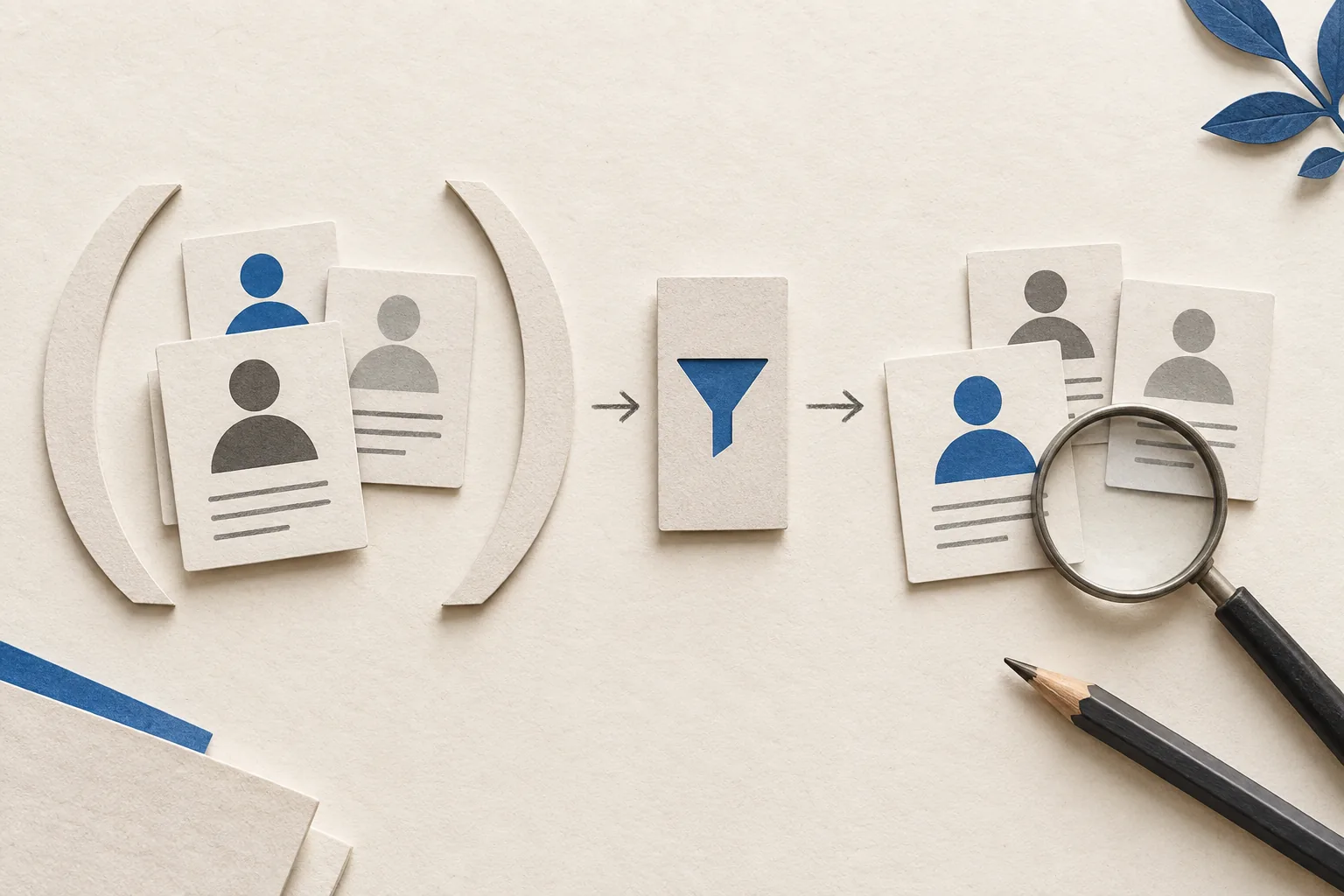 Search research · 9 min readHow to use Boolean search for LinkedIn prospectingBuild LinkedIn prospecting searches with AND, OR, NOT, quotes and parentheses. Test worked examples, avoid false exclusions and troubleshoot misleading results.Read guide
 Buyer research · 10 min readHow to find the right decision makers on LinkedInFind relevant buyers with free LinkedIn search or Sales Navigator, verify their purchasing roles, and keep an account map with evidence instead of assumptions.Read guide
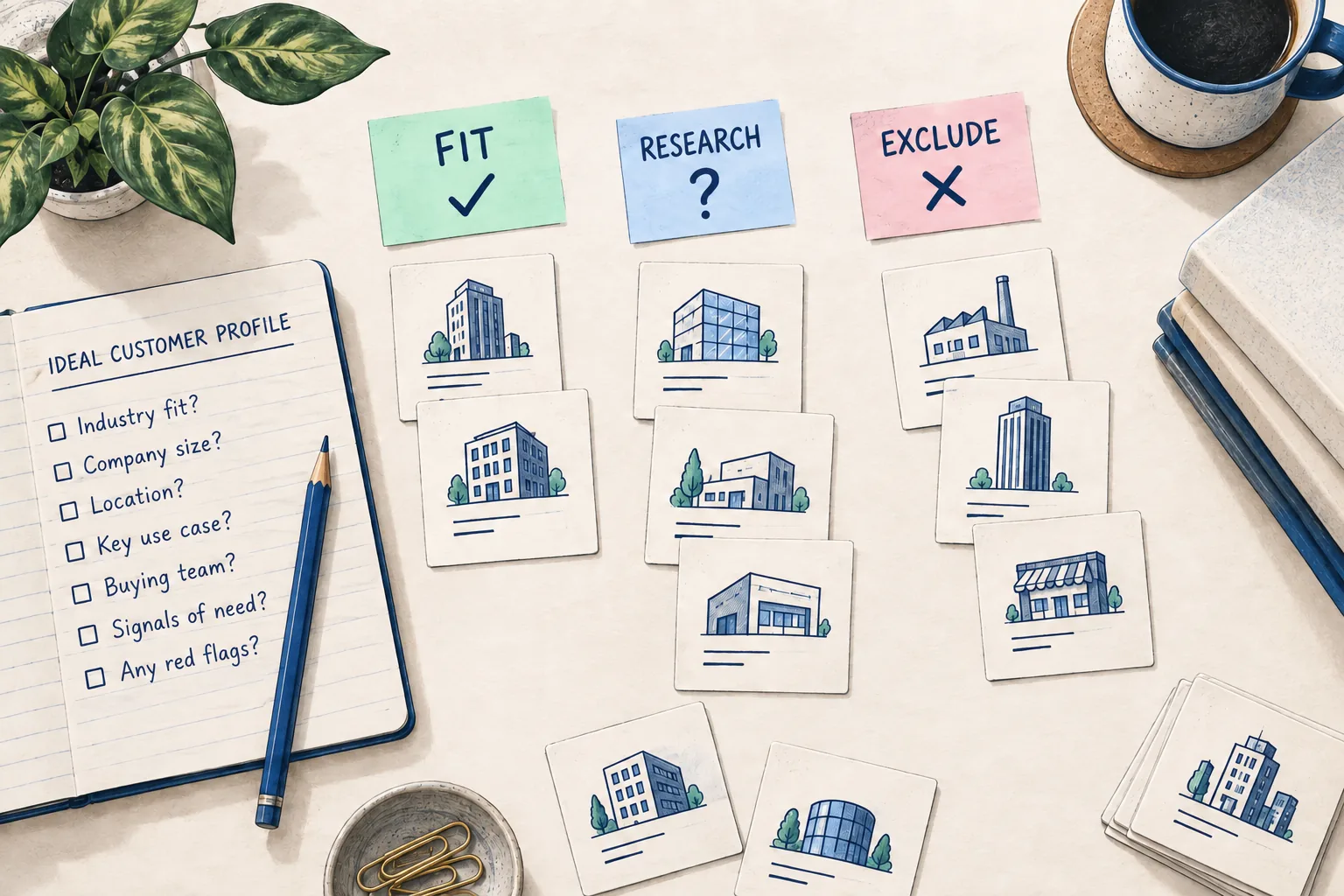 Audience selection · 11 min readHow to define an ideal customer profile for LinkedIn outreachBuild a LinkedIn outreach ICP with a practical worksheet, account examples, exclusion rules, search filters, and a test that separates fit from buying intent.Read guide
 Basic-account research · 6 min readHow to find LinkedIn leads without Sales NavigatorUse a LinkedIn Basic account to research leads: set audience rules, search people, verify fit, review your shortlist, and decide when paid research helps.Read guideClient account research · 10 min readHow to find LinkedIn leads from a company listTurn a client's company list into reviewed LinkedIn leads. Check CSV upload plans, company matches, search filters, and a free manual route.Read guide
 Tool trial acceptance · 9 min readHow to test a LinkedIn prospecting tool before payingEvaluate a LinkedIn prospecting tool with one client brief, failure cases, review effort, handoff checks, and clear buy or decline criteria.Read guide
 LinkedIn subscription choice · 7 min readLinkedIn Premium Business vs Sales Navigator: which to buy?Choose Premium Business or Sales Navigator for agency prospecting. Compare current prices, recurring research needs, included features and license ownership.Read guide
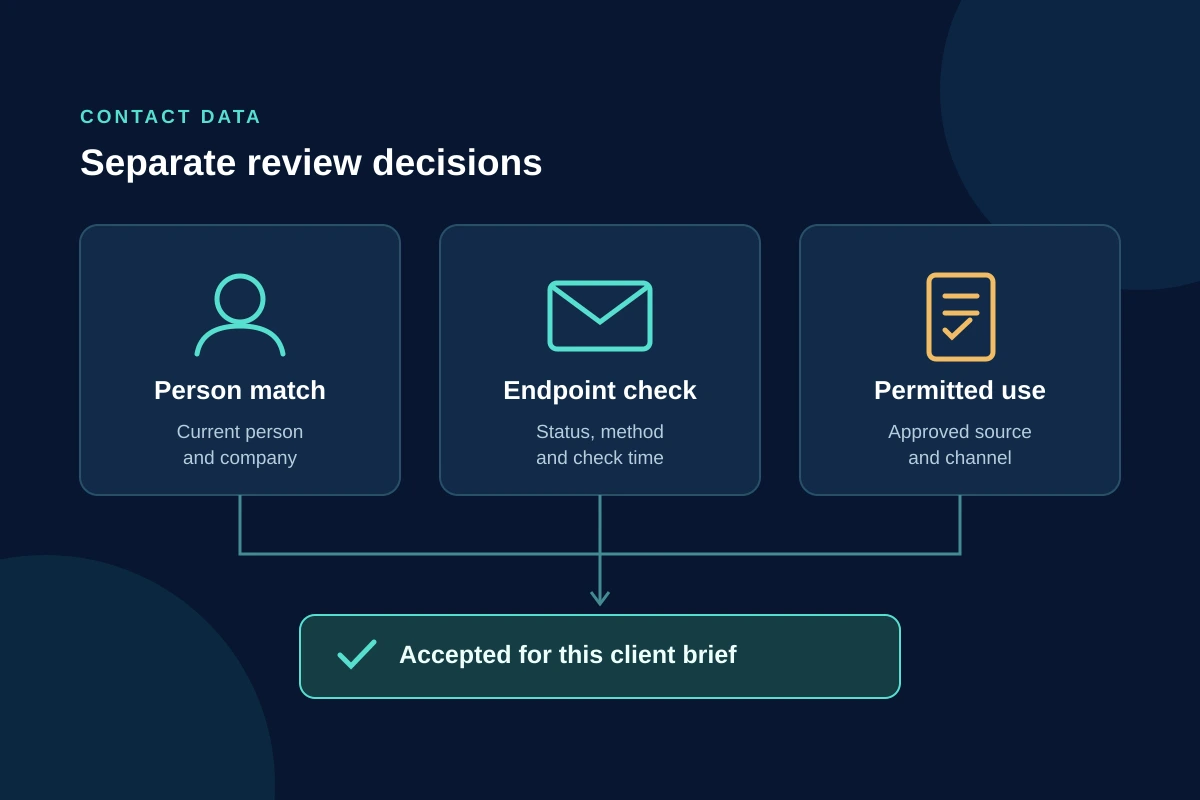 Contact-data purchase test · 8 min readHow to verify LinkedIn contact data before buying a toolEvaluate LinkedIn contact-data claims with a no-send agency test: person matching, email and phone status, permitted use and cost per accepted record.Read guide
 Prospecting tool selection · 8 min readSales Navigator vs Apollo: what a small agency should buyCompare Sales Navigator and Apollo for agency prospecting: current prices, client-data licensing, contact channels and a no-send purchase test.Read guide
 Sales Navigator plan selection · 9 min readSales Navigator Core vs Advanced: what a small agency should buyCompare Sales Navigator Core and Advanced by native workflow, not agency headcount. Check current prices, shared lists, Buyer Intent and the CRM sync boundary.Read guide
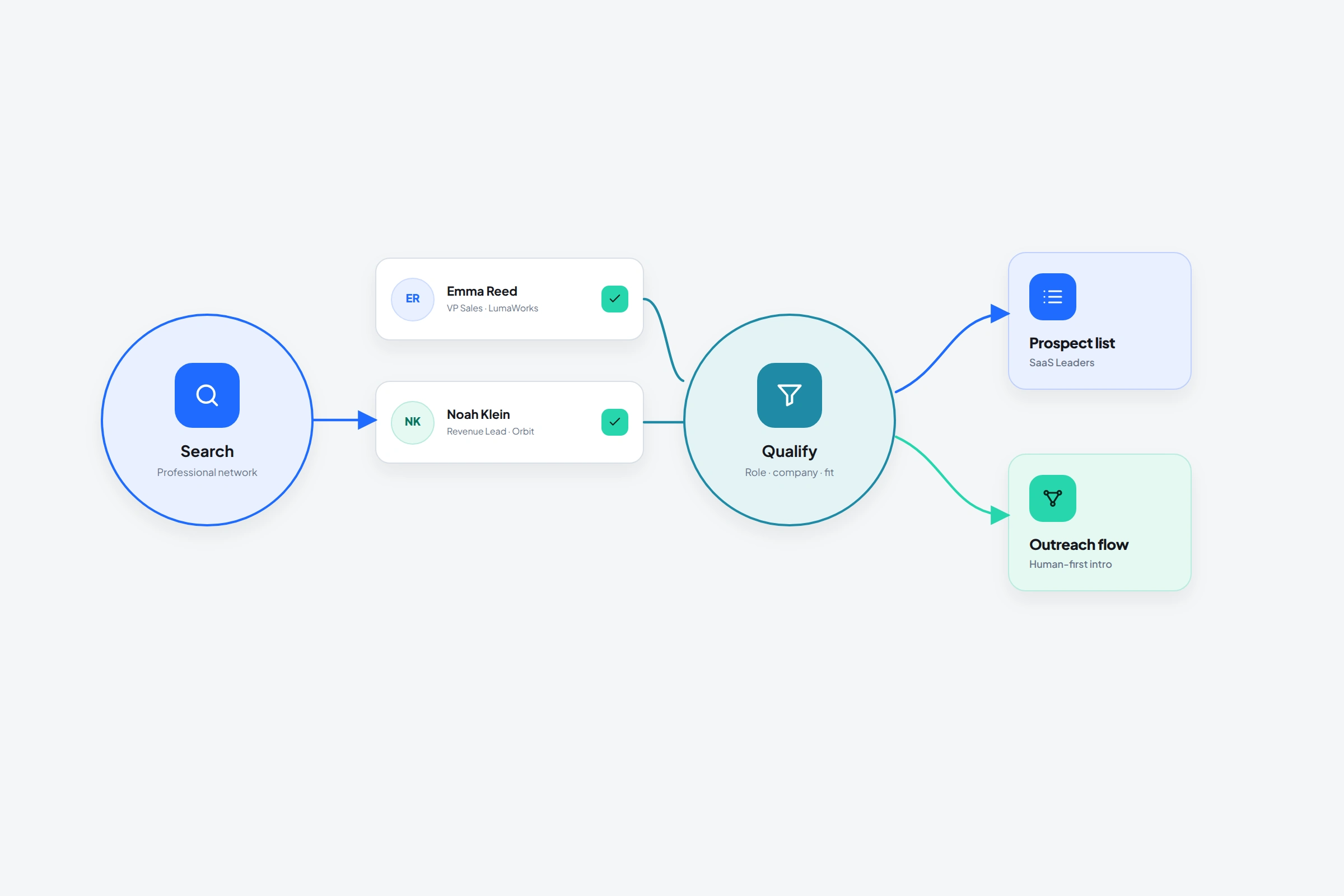 Automated prospecting · 10 min readHow to use a LinkedIn prospecting tool when you're not technicalUse a LinkedIn prospecting tool to find, organize, review, and follow up with the right people while keeping every handoff visible.Read guide
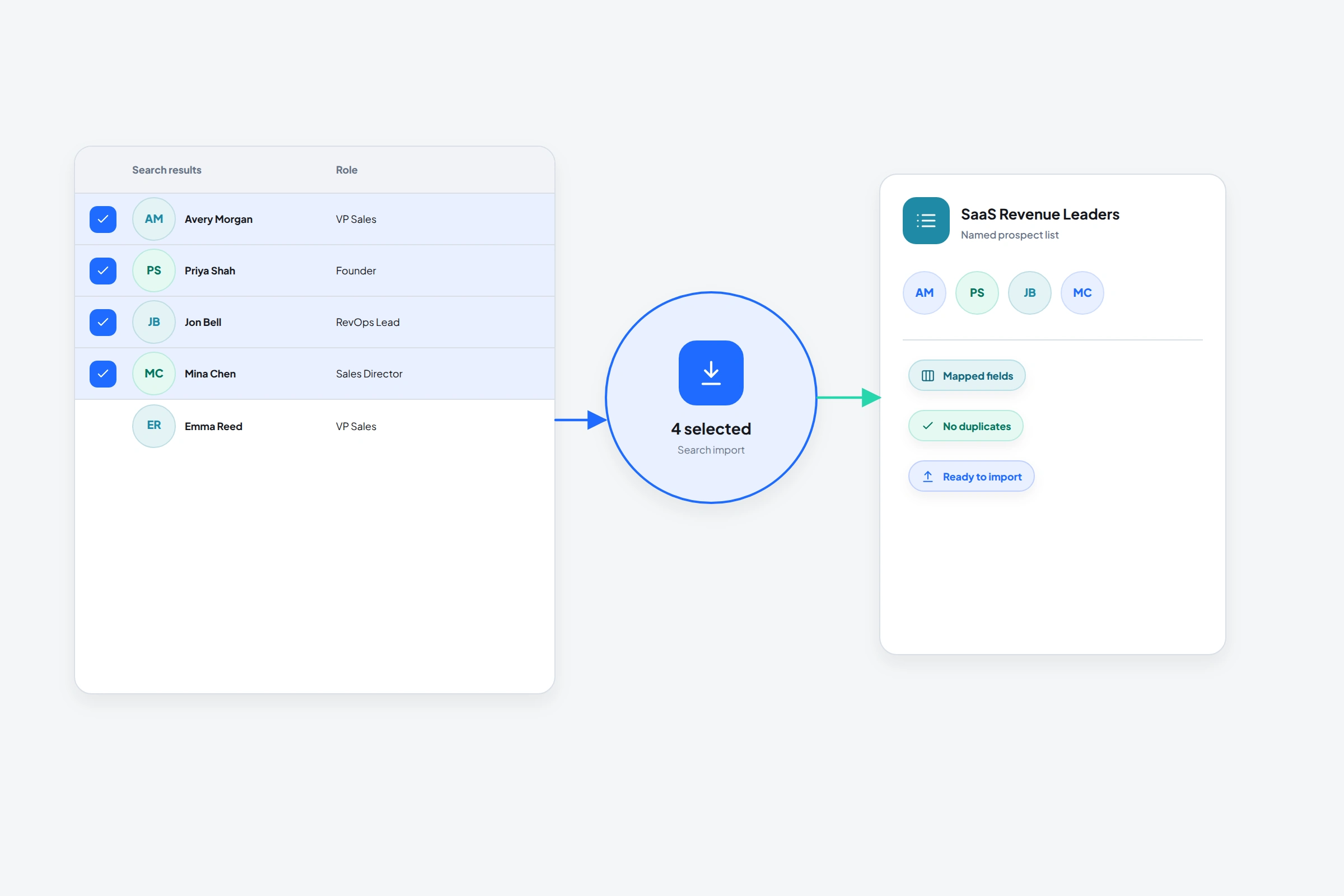 LinkedIn search import · 7 min readHow to import prospects from LinkedIn search into a working listTurn a LinkedIn people search into a clean prospect list with review limits, source context, and OutreachGenie's browser sidebar.Read guide
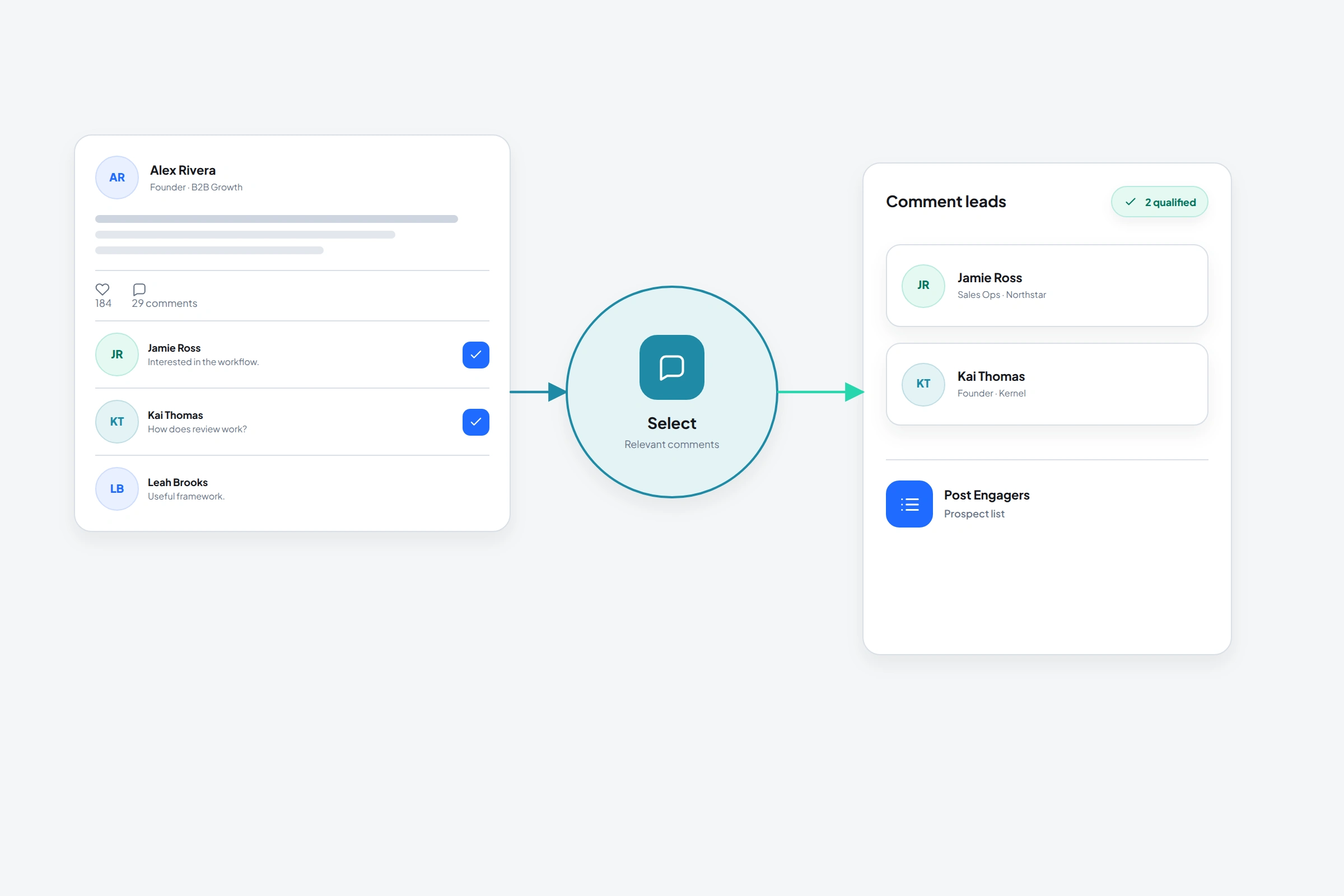 Import prospects from comments · 8 min readHow to turn LinkedIn post comments into a useful prospect listA practical workflow for importing LinkedIn commenters, preserving context, qualifying the list, and following up without a cold generic pitch.Read guide
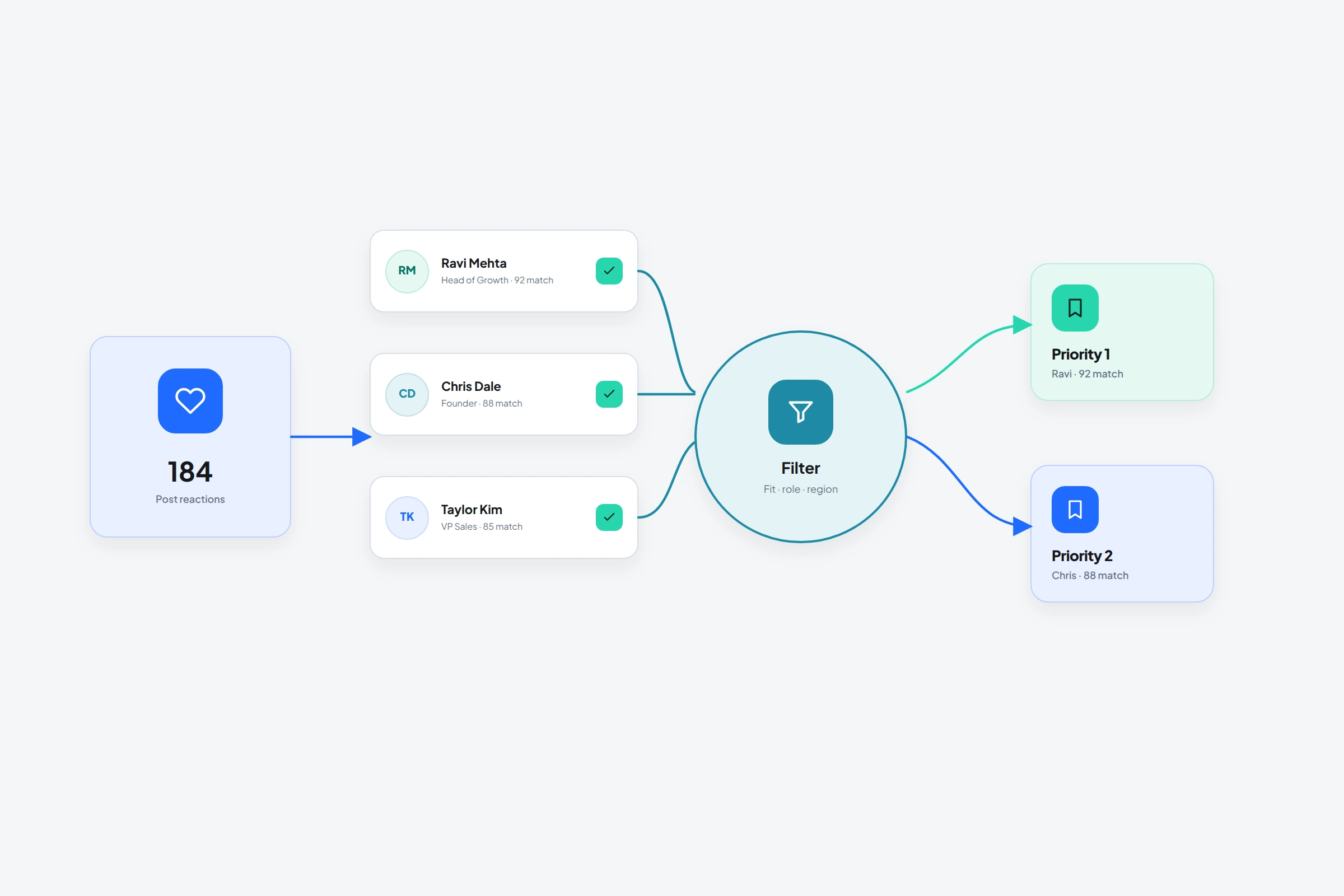 Import prospects from reactions · 9 min readHow to export LinkedIn post likers and qualify the people behind the reactionsImport LinkedIn post likers into a prospect list, remove weak matches, export the reviewed data, and keep the source topic for relevant follow-up.Read guide
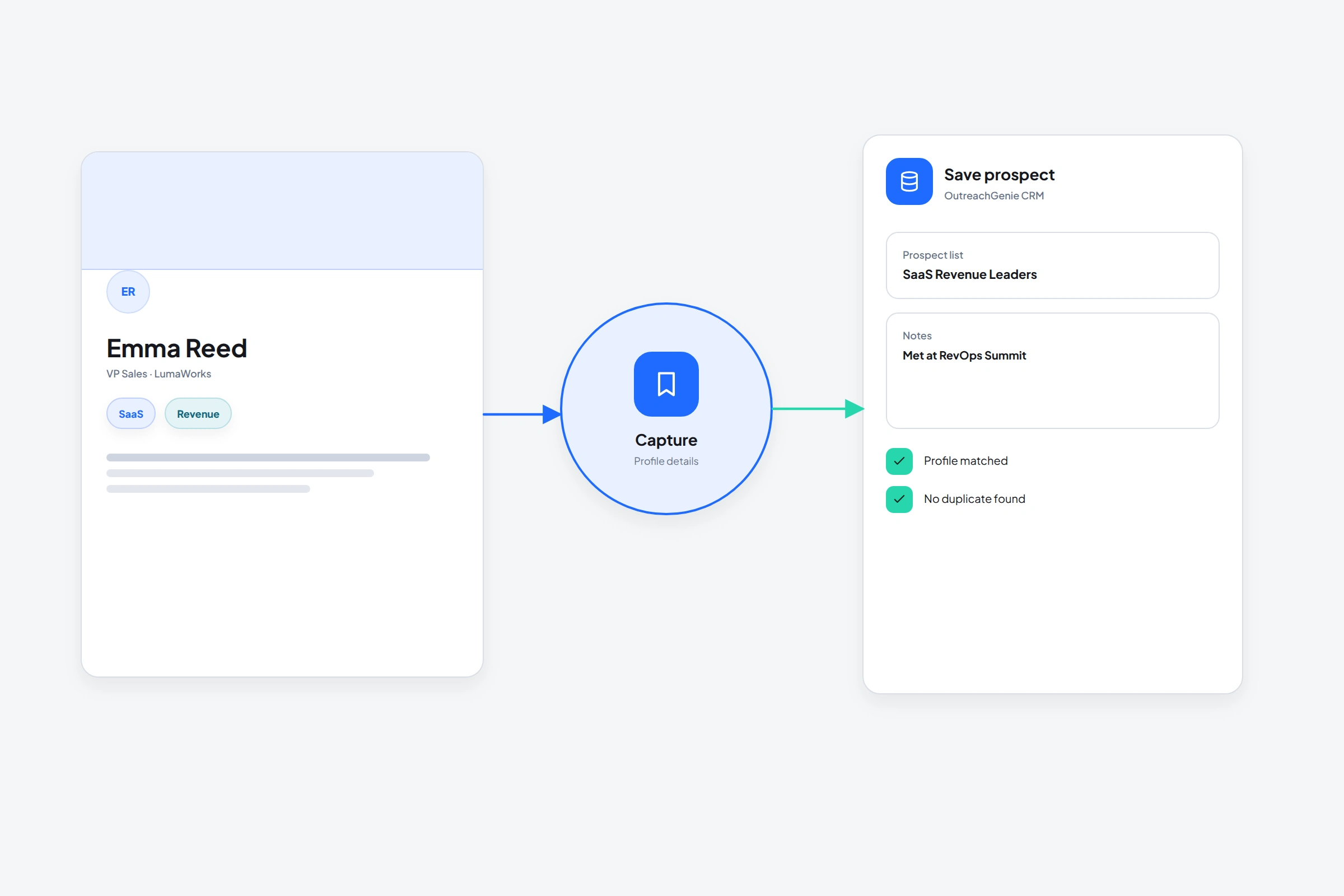 Save profile to workspace · 6 min readHow to save LinkedIn profiles to a CRM without breaking your browsing flowSave a LinkedIn profile to OutreachGenie with its URL, list, and notes while you browse without copying each field into a spreadsheet.Read guide
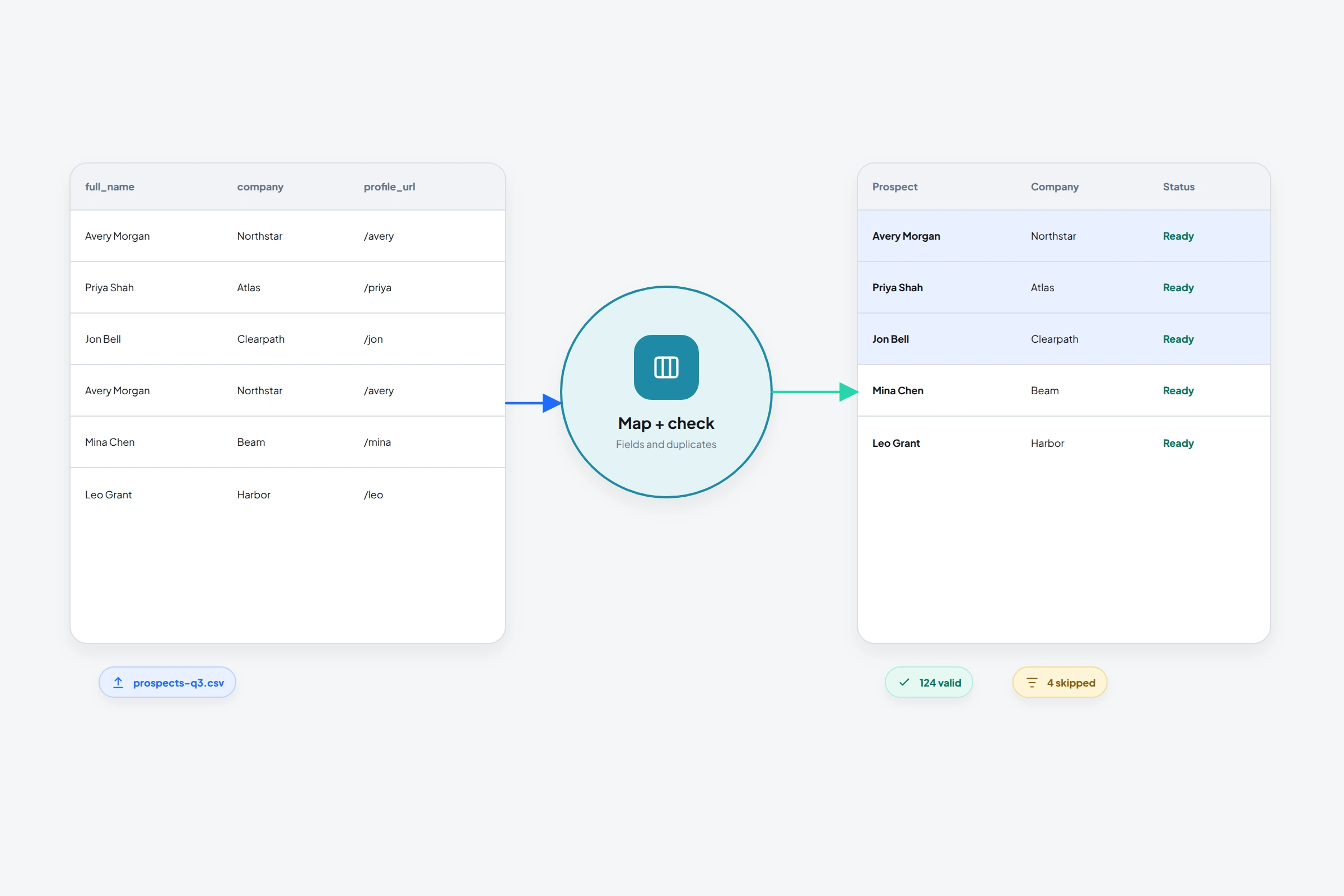 CSV prospect import · 8 min readHow to import LinkedIn prospects from a CSV without creating a data messPrepare, map, validate, and import a CSV of LinkedIn prospects into OutreachGenie while preserving profile URLs and avoiding duplicate records.Read guide
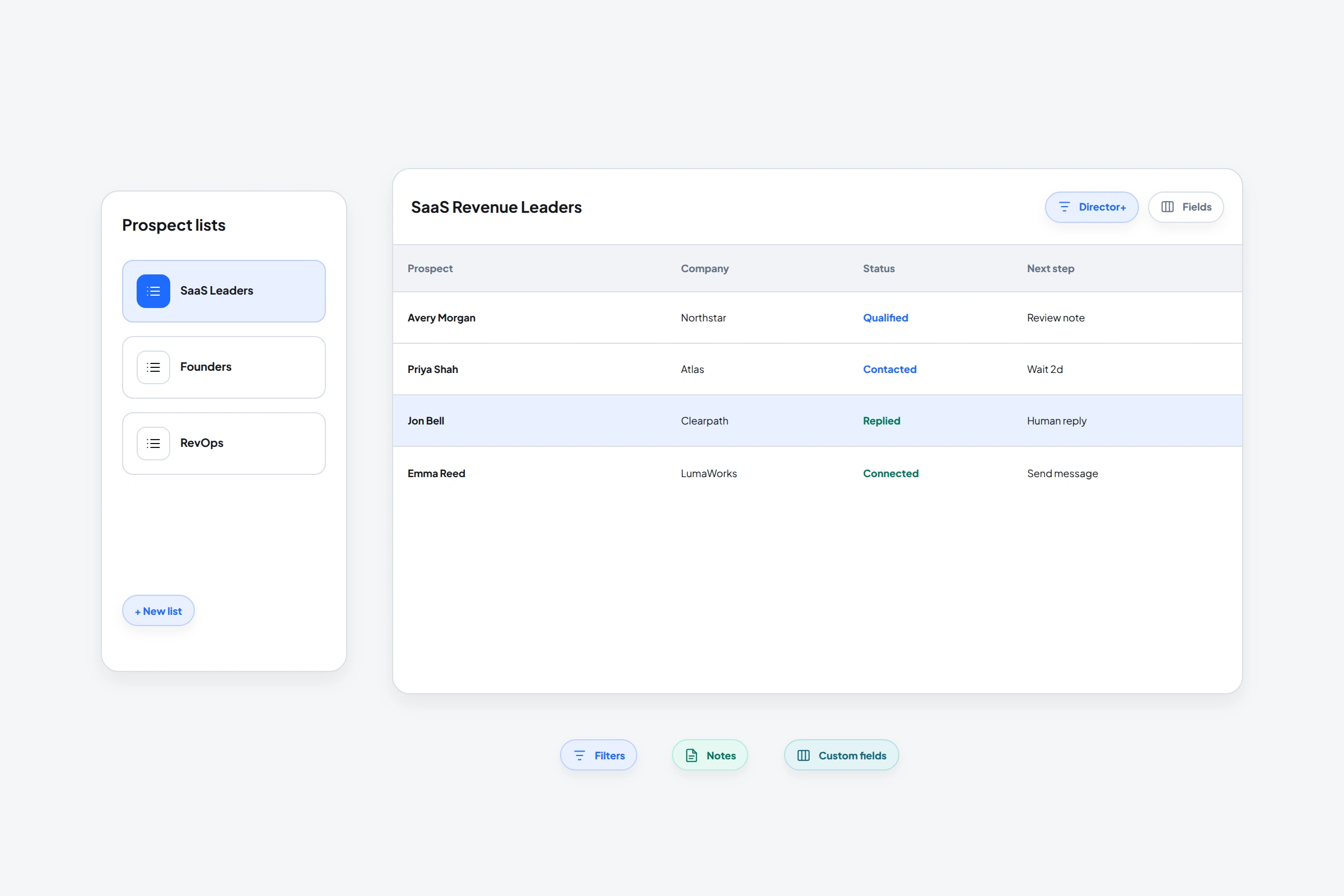 Prospect lists and fields · 7 min readHow to organize LinkedIn prospects into lists you can actually reuseBuild useful LinkedIn prospect lists with clear naming, source context, notes, custom fields, filters, and clean campaign boundaries.Read guide
02
Build the outreach
Visible sequences for invitations, waits, follow-up, replies, and campaign pacing.
 Personalization at scale · 10 min readHow to scale personalized LinkedIn outreach without losing contextScale personalized LinkedIn outreach with reusable research, factual checks and controlled review. Plan capacity for corrections and replies, not just drafting.Read guide
 Outreach ROI · 10 min readHow to measure LinkedIn outreach ROI without confusing revenue with profitMeasure LinkedIn outreach ROI with a worked example covering time, delivery cost, attribution, profit, and break-even decisions.Read guide
 Dormant lead review · 10 min readHow to re-engage a cold LinkedIn leadRe-engage cold LinkedIn leads with a relevant reason to return. Use practical message examples, check old objections, choose timing and know when to stop.Read guide
 Outreach experiments · 12 min readHow to A/B test LinkedIn outreach messages without picking a false winnerDesign a LinkedIn outreach A/B test with random assignment, clear reply metrics and a stopping plan. Learn what a small sample can and cannot tell you.Read guide
 Outreach measurement · 11 min readHow to measure LinkedIn outreach reply rate without mixing the numbersCalculate LinkedIn outreach reply rate with a worked example, define the right denominator, and separate replies, positive replies, and meetings.Read guide
 Outreach troubleshooting · 10 min readWhy your LinkedIn outreach messages aren't getting repliesFind why LinkedIn outreach gets no response. Check message status, missed replies, targeting, the ask and follow-up before changing your copy or sending more.Read guide
 Invitation analysis · 10 min readHow to improve your LinkedIn connection acceptance rateCalculate LinkedIn connection acceptance rate, diagnose weak targeting or sender credibility, and improve the next controlled test.Read guide
 First-message planning · 9 min readWhat to say after connecting on LinkedIn: messages and repliesSee what to say in your first LinkedIn message after connecting, how to reply to thanks for connecting, and examples for prospects, recruiters and peers.Read guide
 Message personalization · 9 min readHow to personalize LinkedIn outreach messagesTurn prospect research into relevant LinkedIn messages. Use worked examples, an evidence-based AI prompt and a pre-send check without inventing buying intent.Read guide
 Reply-to-meeting review · 9 min readHow to qualify LinkedIn replies before booking sales callsRoute LinkedIn replies by the actual request, clarify meeting fit, and separate booked calls from client-accepted meetings. A practical agency guide.Read guide
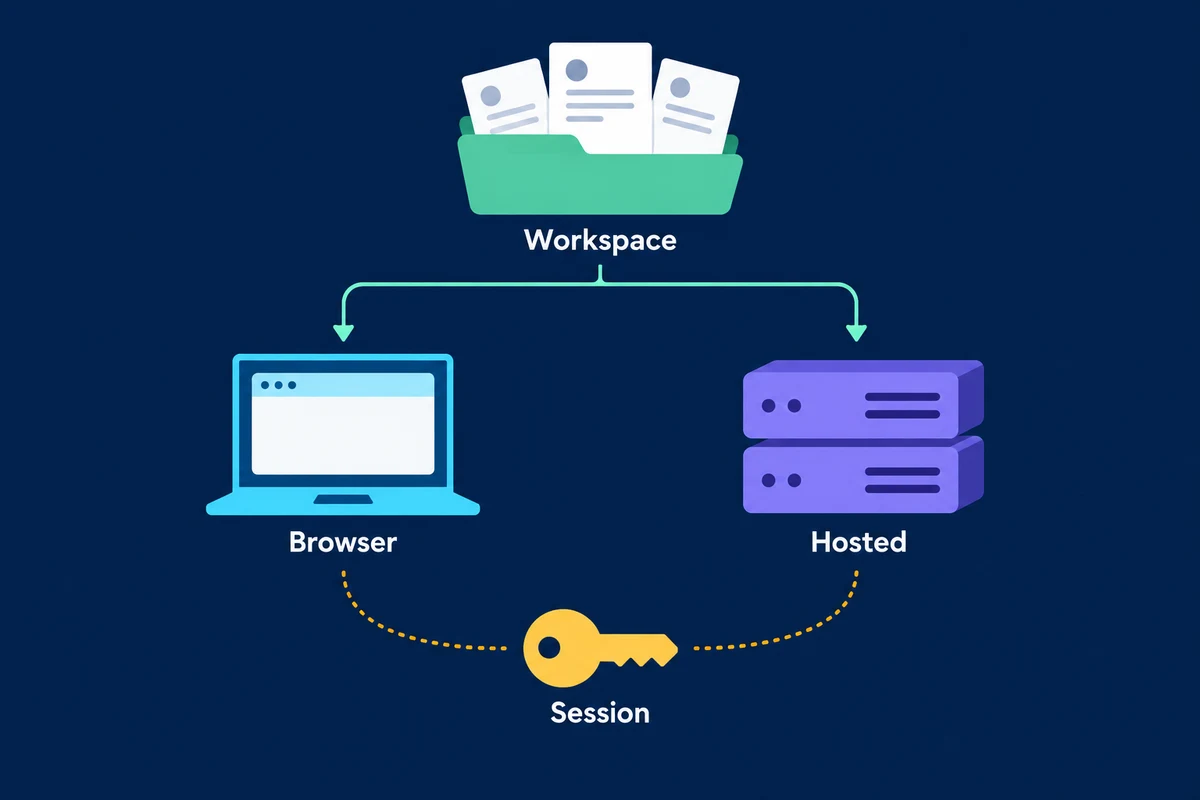 Agency automation purchase · 7 min readCloud vs browser extension LinkedIn automation: which should an agency buy?Compare cloud and browser-extension LinkedIn automation for agency work: execution location, session custody, reviewer controls, recovery and policy limits.Read guide
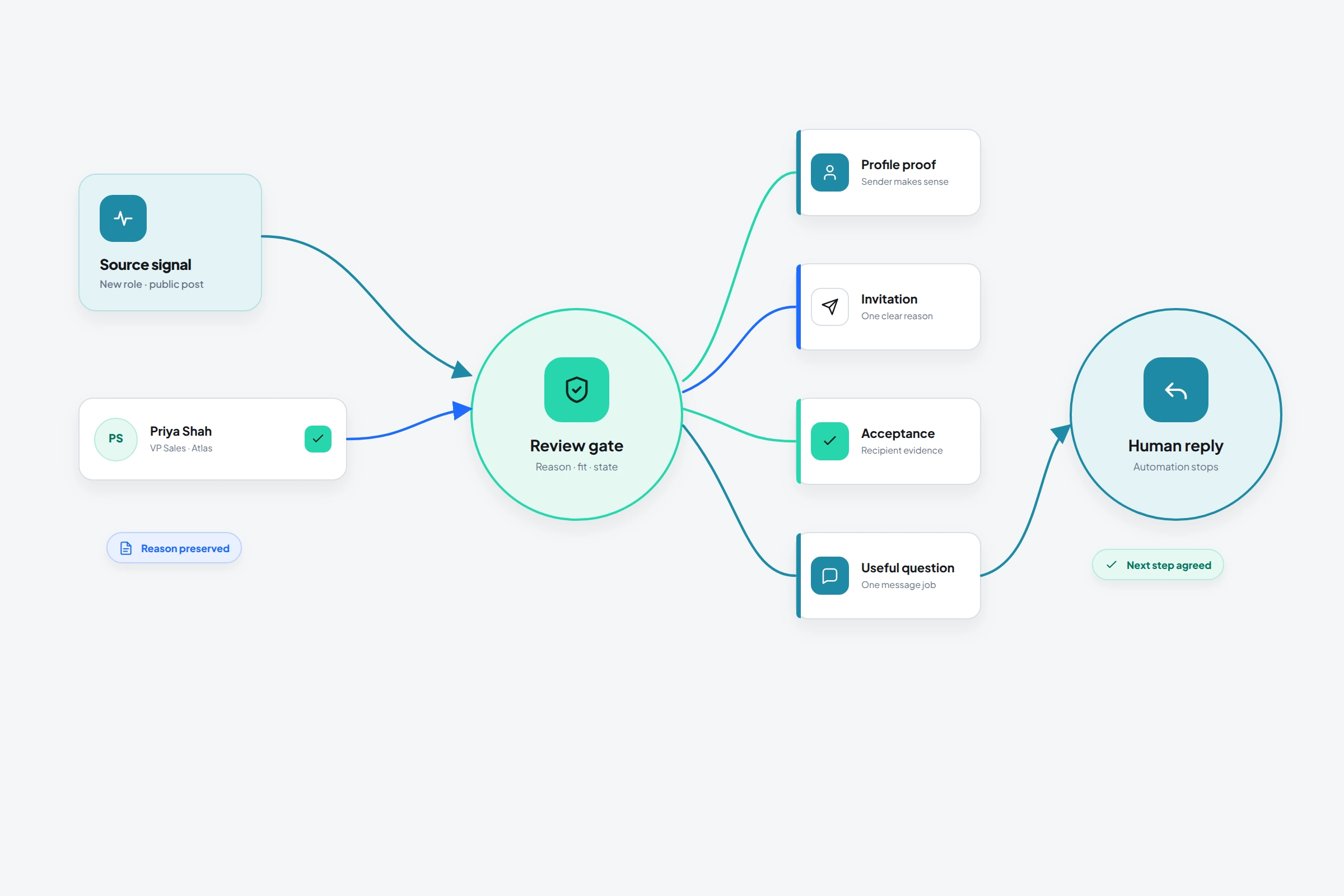 Complete outreach system · 14 min readHow to use LinkedIn for outreach effectivelyBuild LinkedIn outreach from source, audience, sender credibility, channel, message, and reply handling, then diagnose the earliest weak transition.Read guide
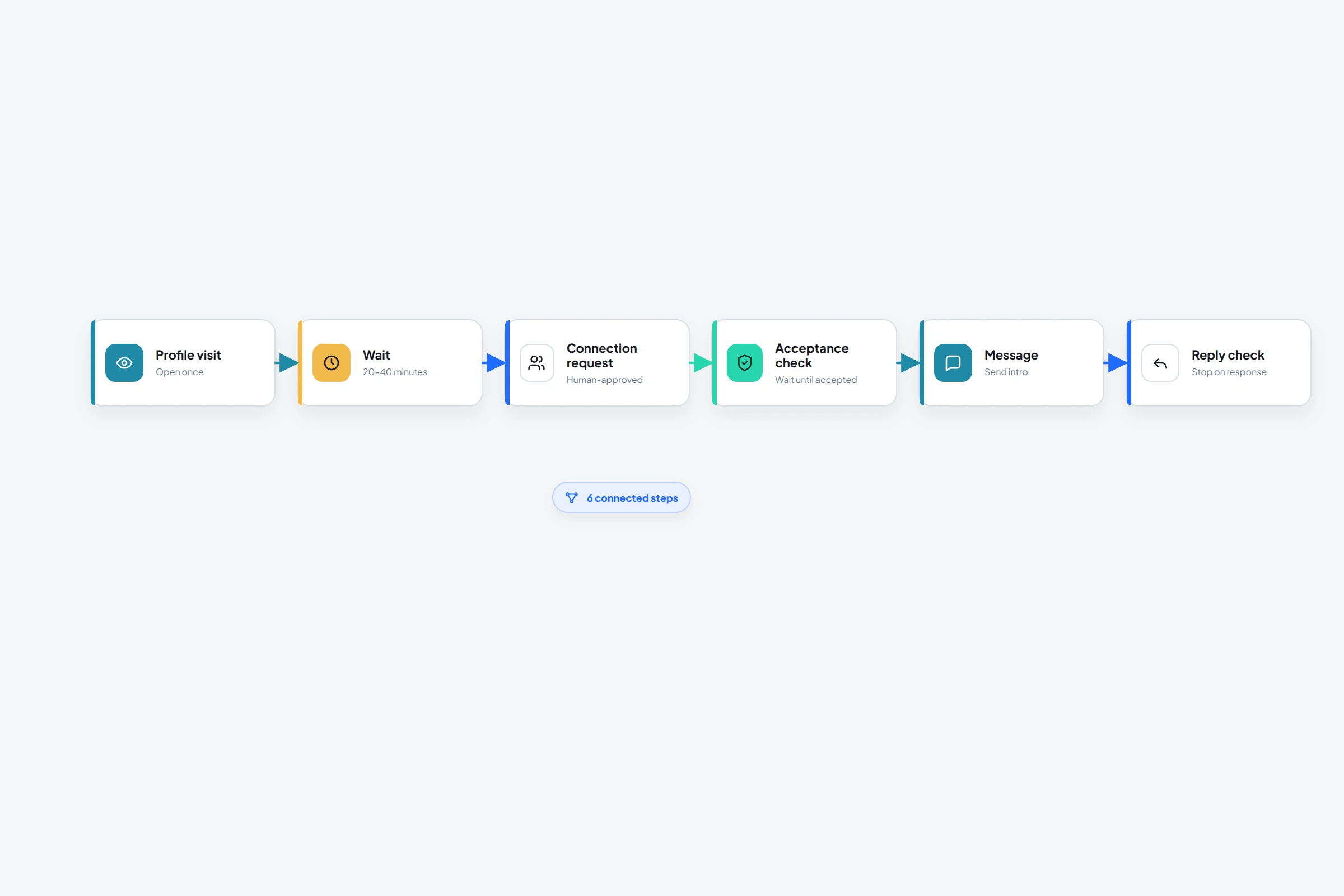 Relationship-aware sequences · 11 min readLinkedIn relationship-building sequences: 5 examples that earn the next stepFive LinkedIn relationship-building sequence examples for posts, events, engagement, introductions, and dormant connections, with messages and stop rules.Read guide
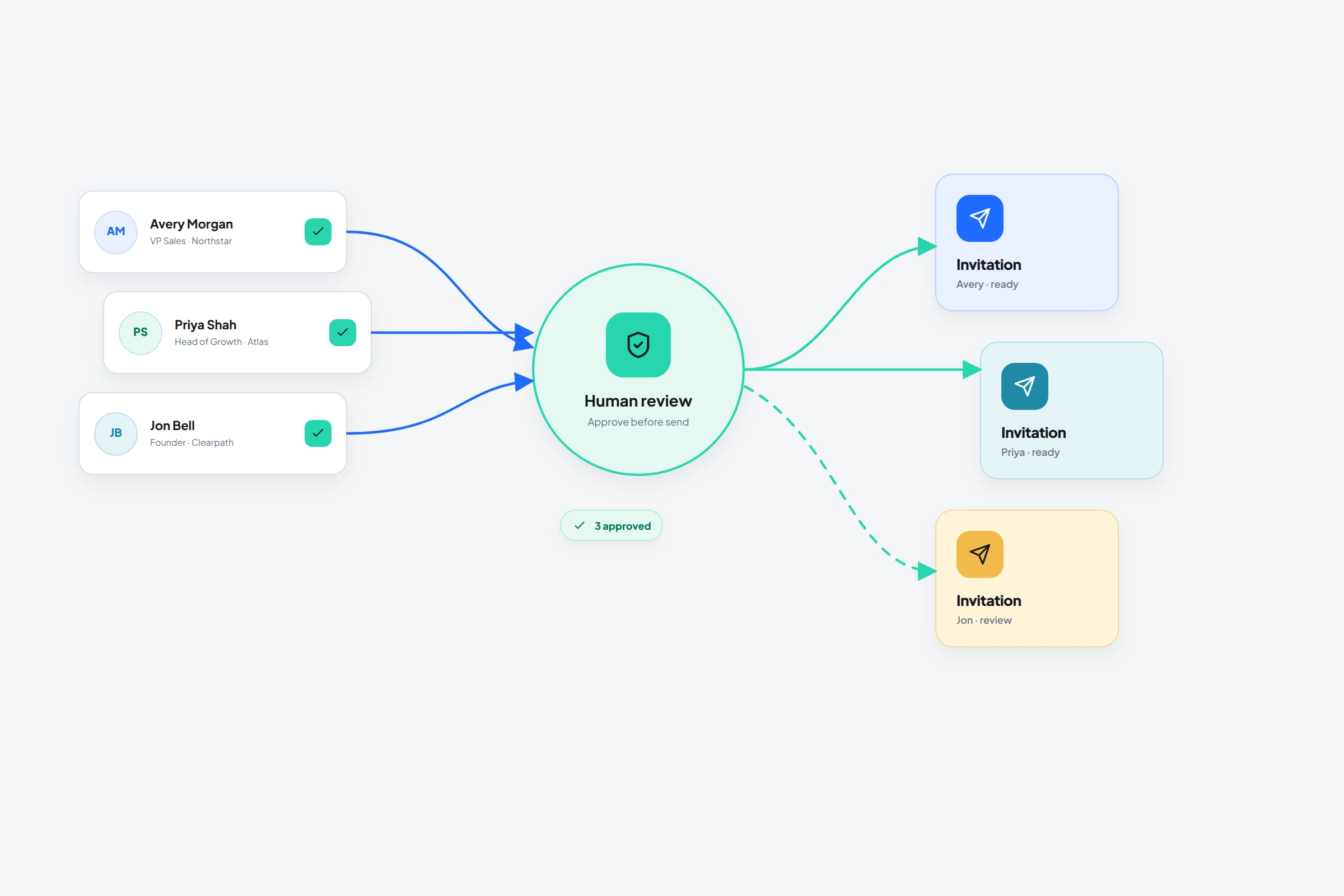 Connection request automation with review · 14 min readLinkedIn auto connect: how connection request automation worksLearn what LinkedIn auto connect tools do, what the restricted Invitations API permits, how acceptance should control a workflow, and where account risk begins.Read guideVisual outreach flows · 10 min readHow to build a LinkedIn outreach flow that behaves like a real processDesign a reusable LinkedIn outreach flow with waits, profile actions, connection-state branches, messages, engagement, and reply-aware stopping.Read guide
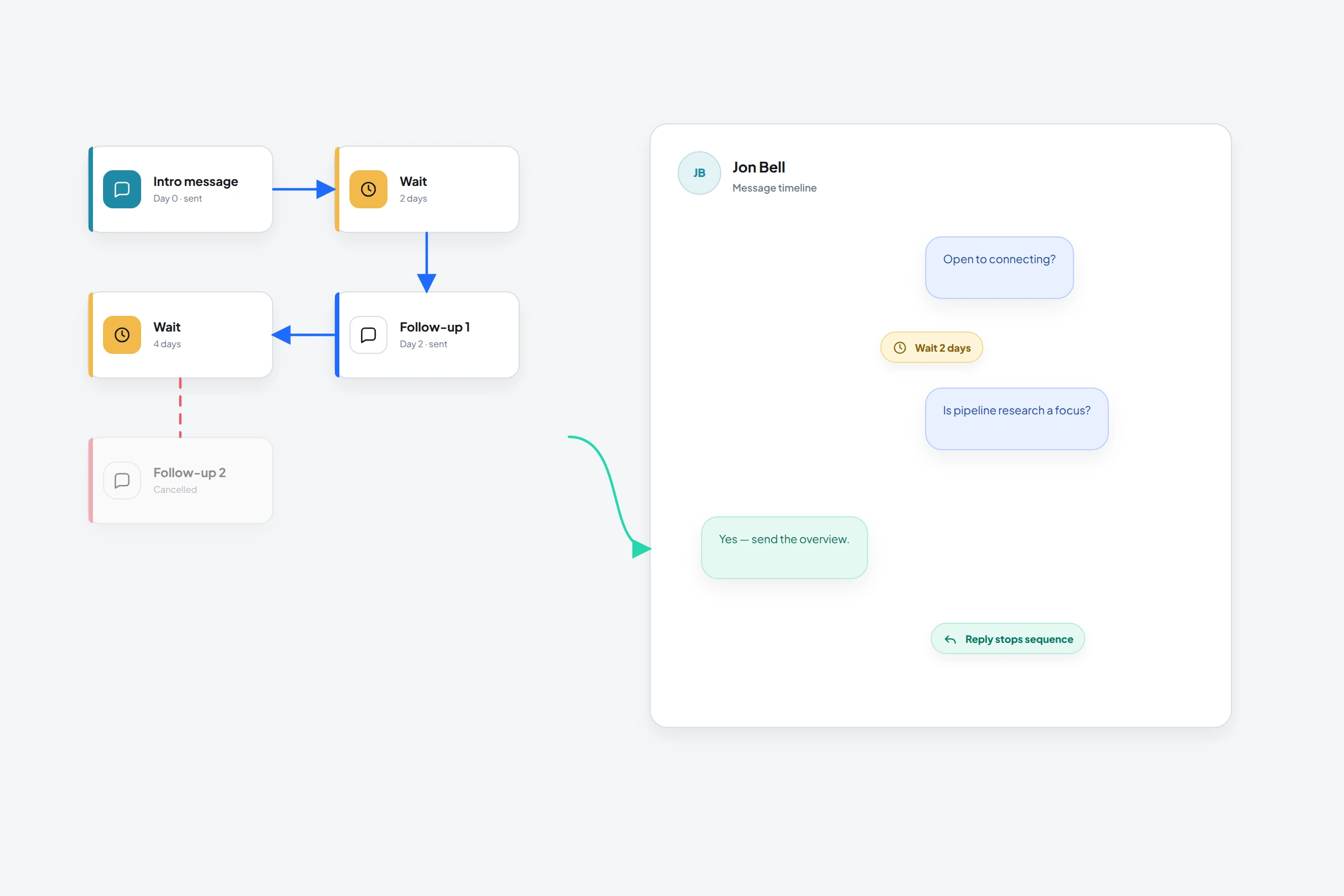 Messaging options, workflow, and risk · 12 min readHow to send automated messages on LinkedIn: options, workflow, and risksCompare LinkedIn messages, InMail, and message requests with third-party automation, then build an acceptance-aware workflow and understand account risk.Read guide
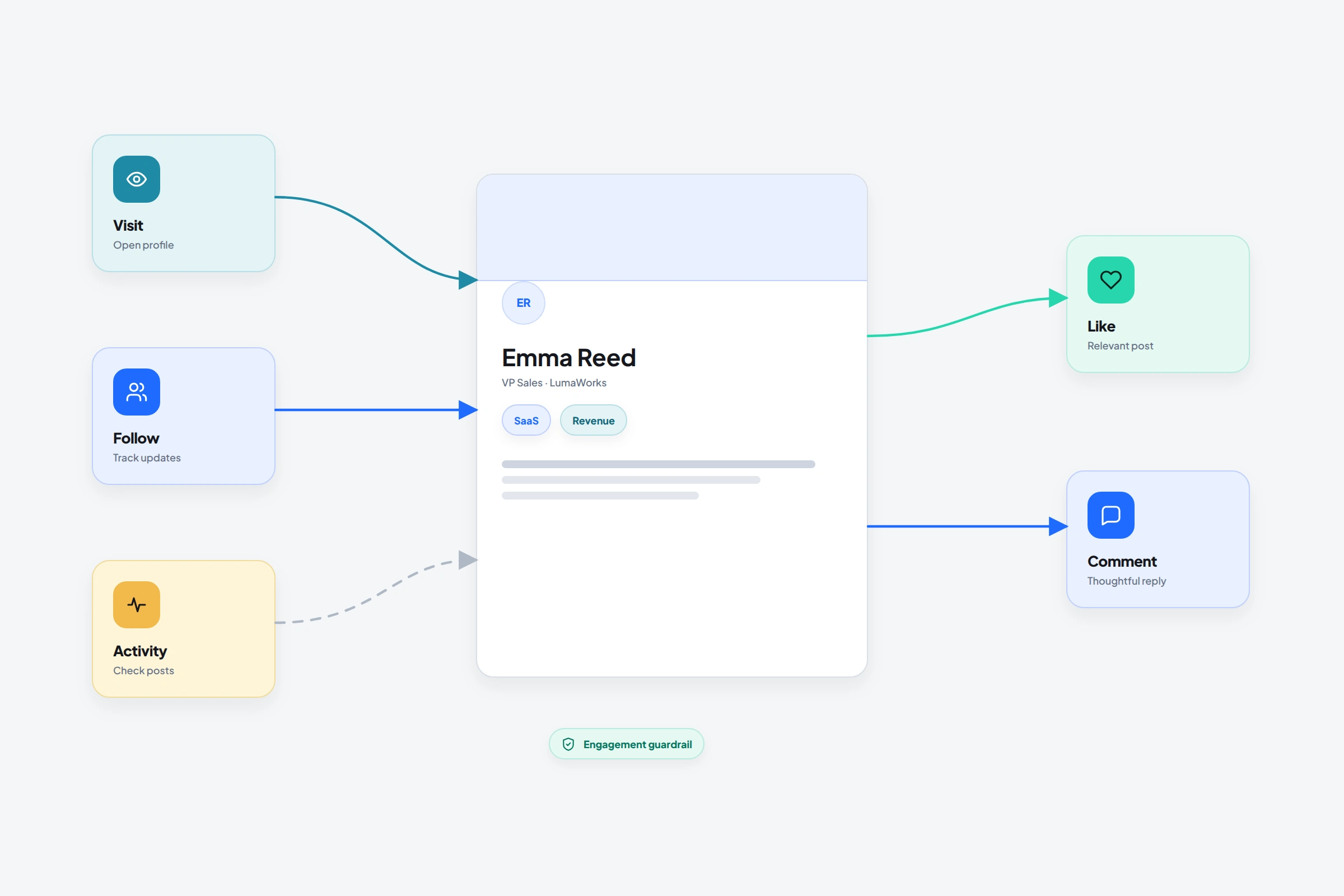 Profile and post engagement actions · 8 min readHow to automate LinkedIn profile visits and engagement without losing the contextUse profile visits, follows, activity checks, post reactions, and thoughtful comments as visible steps in a reviewed OutreachGenie flow.Read guide
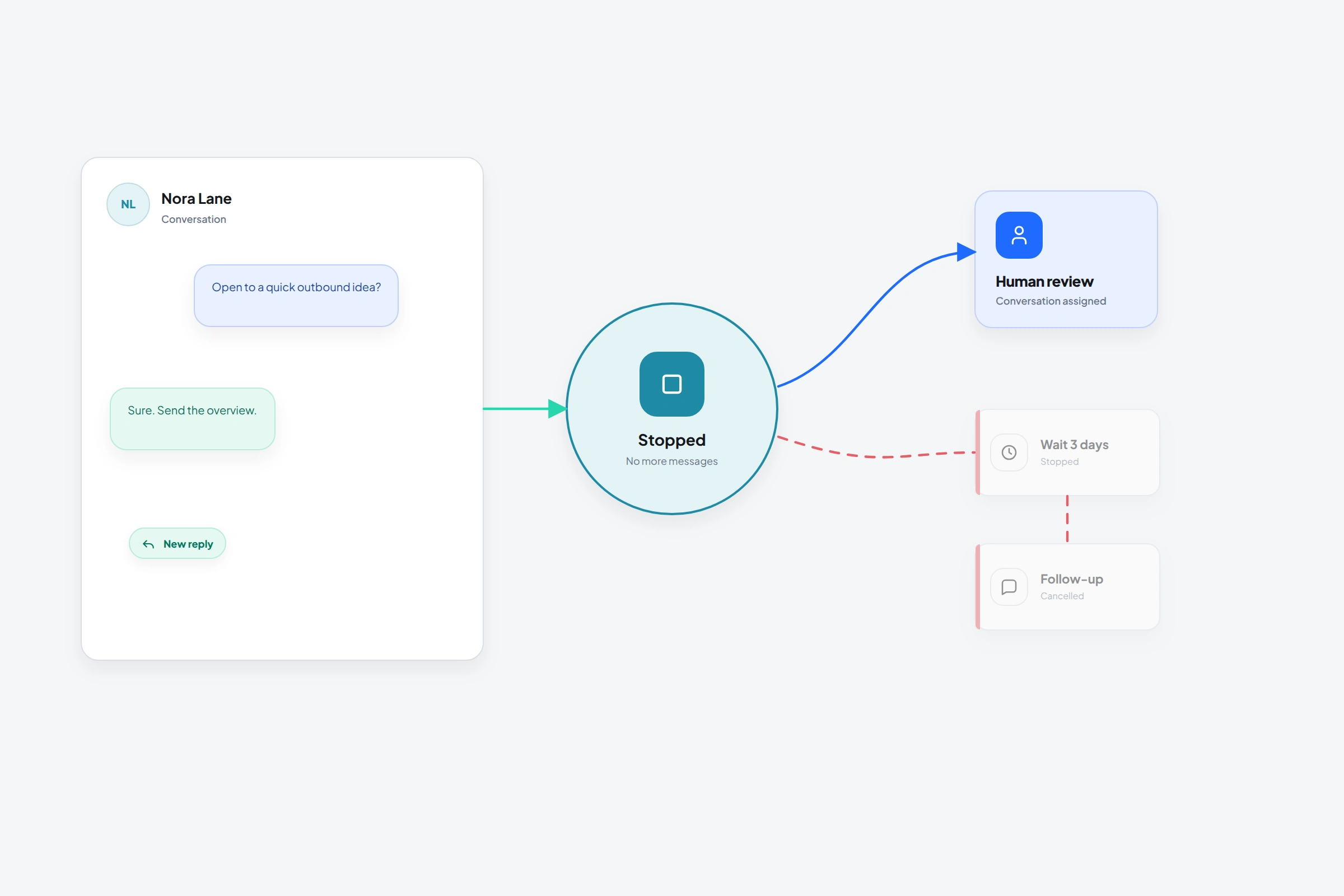 Message sequence and reply detection · 7 min readHow to stop LinkedIn follow-ups when someone repliesUse Message sequence to stop a prospect's LinkedIn follow-ups on a tracked or detected reply, then hand the conversation to a person.Read guide
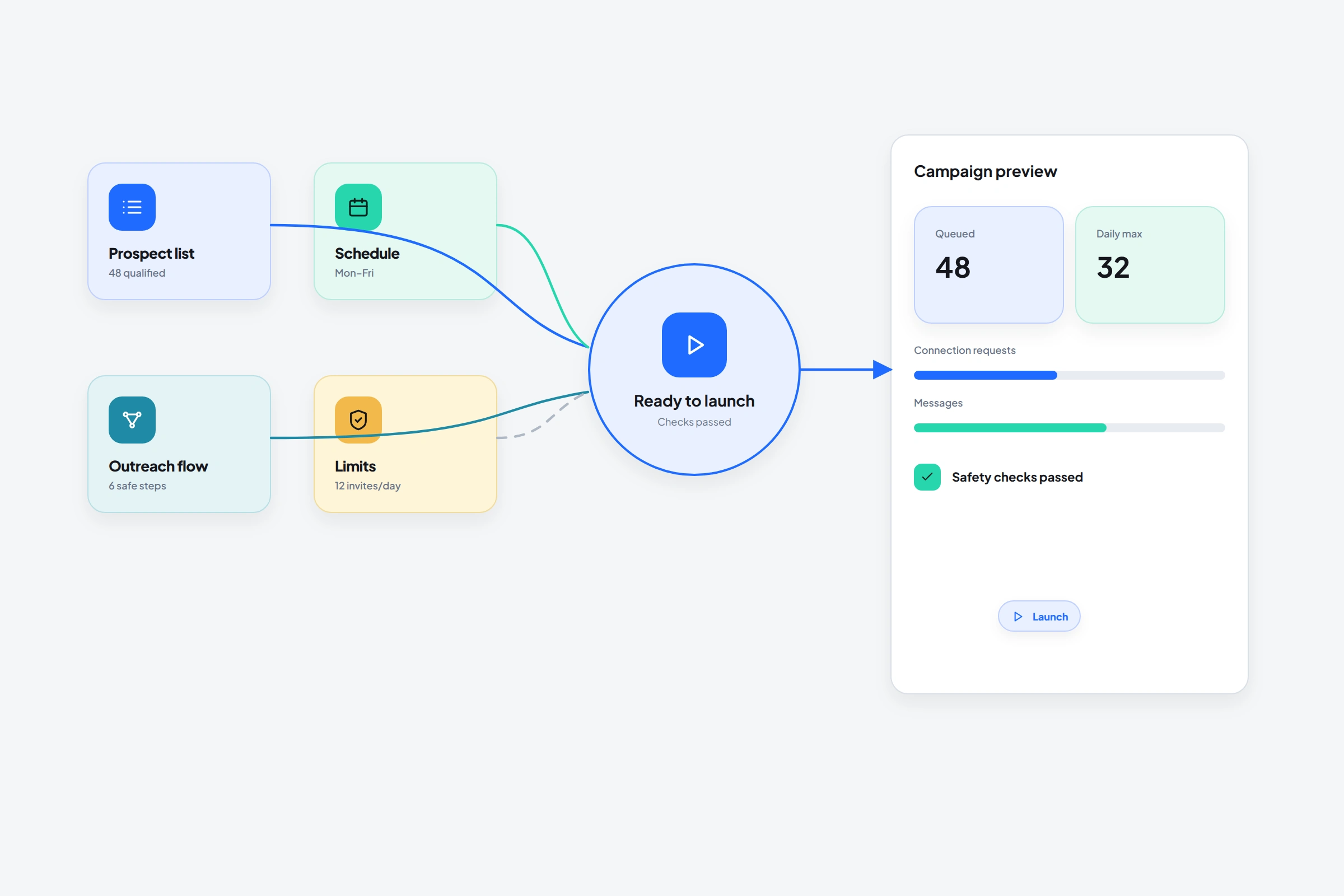 Campaigns and analytics · 9 min readHow to launch a LinkedIn outreach campaign without mixing up the list and the sequenceCreate a LinkedIn outreach campaign by pairing one reviewed prospect list with one tested flow, then monitor activity and outcomes in OutreachGenie.Read guide
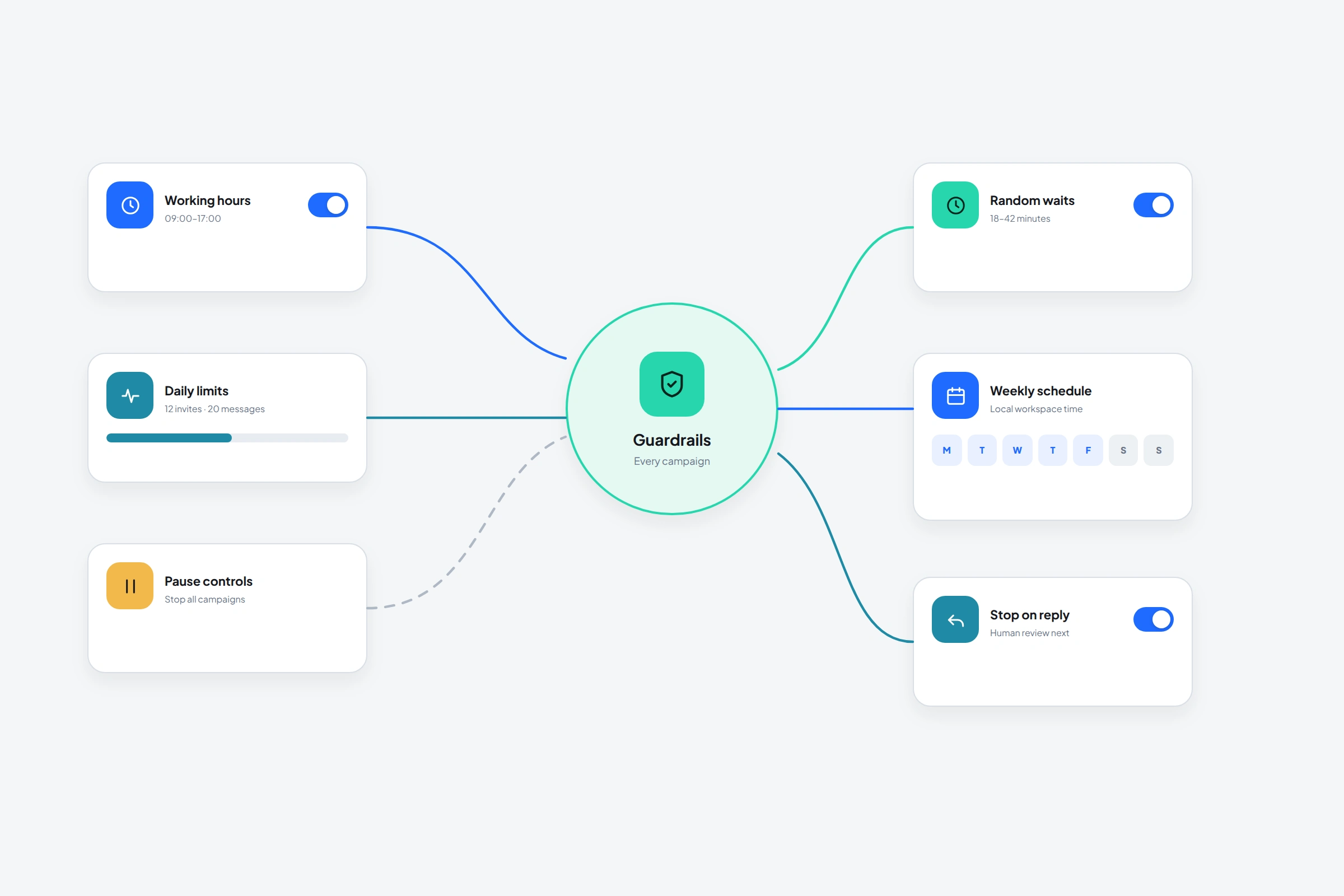 Safety and pacing controls · 10 min readLinkedIn automation limits, working hours, and the risk controls that actually matterUnderstand LinkedIn invitation restrictions, third-party automation policy, daily controls, randomized delays, working hours, and stop conditions.Read guide
03
Connect the workspace
Ways to keep research and execution connected without hiding the review points.
 Sales handoff · 10 min readHow to hand off LinkedIn leads to a sales teamHand off LinkedIn leads with the context sales needs. Use a practical handoff template, confirm ownership and handle missing answers or delayed follow-up.Read guide
 CRM workflow · 10 min readThe benefits of a CRM for LinkedIn prospecting, beyond saving contactsSee how a CRM supports LinkedIn prospecting through context, follow-ups, ownership, and reporting, then weigh integration and maintenance costs.Read guide
 Software cutover · 8 min readHow to switch LinkedIn outreach tools without messaging the same people twicePlan a LinkedIn outreach tool migration: pause work, check export omissions, map a sample, reconcile history, and review next actions before restarting.Read guideAgency transition · 9 min readHow to switch LinkedIn lead generation agencies without losing prospect contextSwitch LinkedIn lead generation agencies with a verified handover: pause campaigns, preserve restrictions and context, check exports, then close access.Read guide
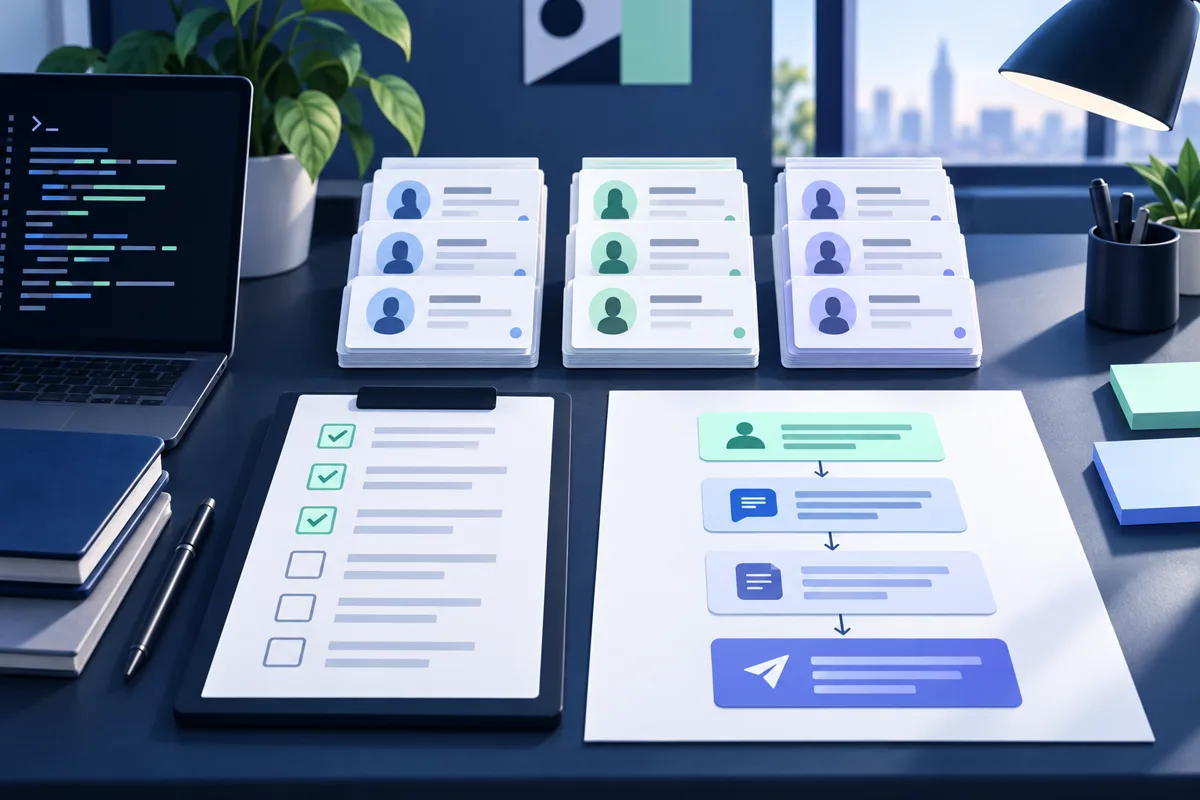 Codex workspace setup · 8 min readHow to automate LinkedIn using Codex without handing it your accountConnect Codex to an outreach workspace, review prospects and flows, and understand the LinkedIn policy boundary before launching a campaign.Read guide
 Claude connector setup · 12 min readHow to automate LinkedIn using Claude: a practical outreach workflowConnect Claude or Claude Code to OutreachGenie, review prospect lists and campaign drafts, and understand LinkedIn account-policy risks before any outreach.Read guide
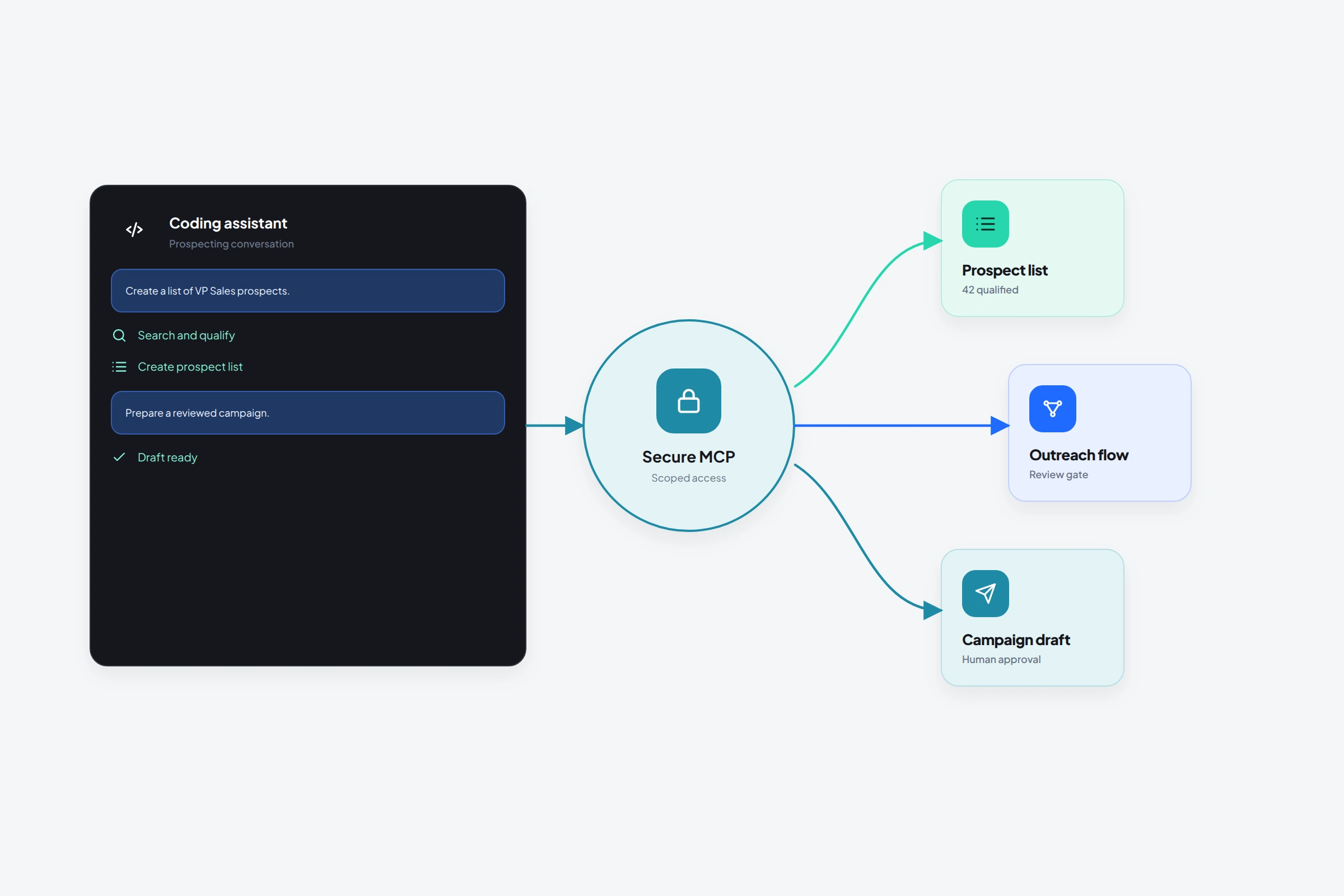 MCP access for AI clients · 9 min readHow to use OutreachGenie with Codex or Claude Code for plain-language prospectingConnect OutreachGenie's MCP server to Codex or Claude Code and manage prospects, lists, flows, and campaign preparation in plain language.Read guide
Product walkthroughs