
LinkedIn private mode: how to view profiles anonymously and make your profile private
Profile viewing and visibility settings
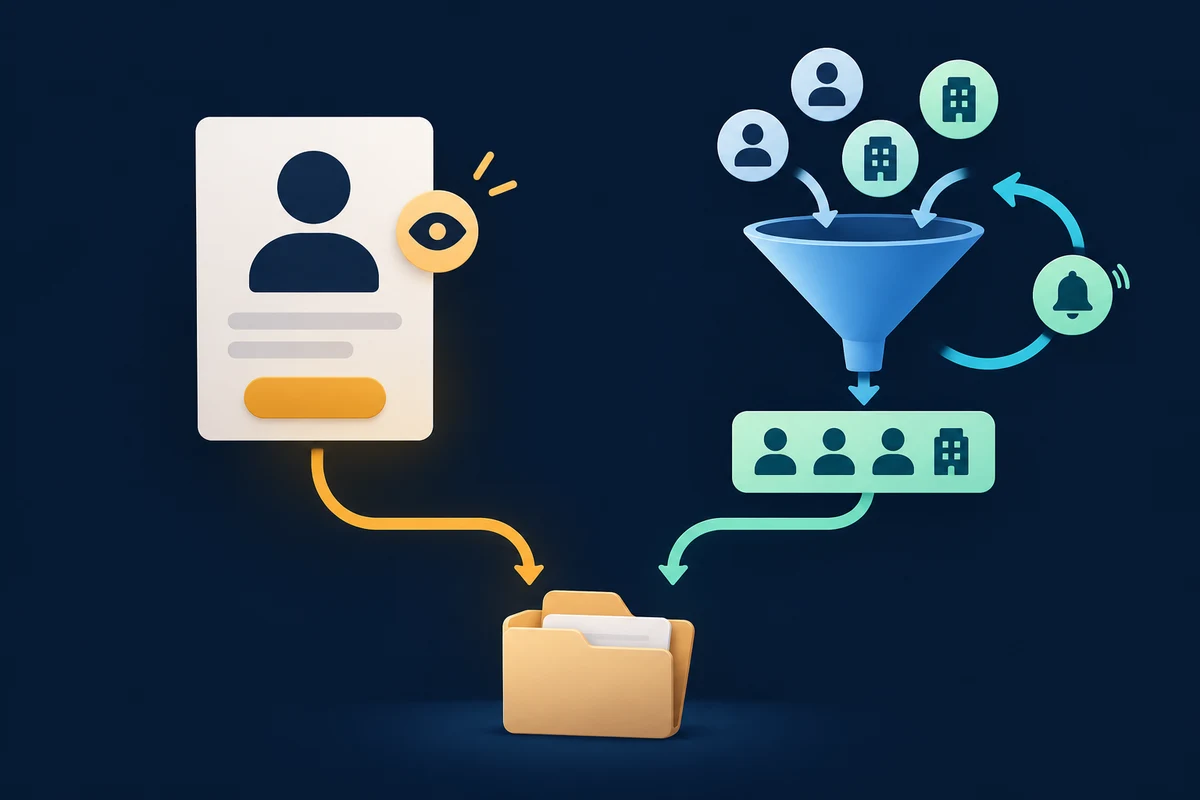
"LinkedIn private mode" usually means one setting: what other members see when you open their profile. Turn it on and your visit shows up as an anonymous LinkedIn Member instead of your name. It doesn't hide your own profile from anyone.
"Make my LinkedIn private" is a different job: limiting who can see or find your profile. LinkedIn has no single switch for that. You combine several visibility settings, and even then your profile stays visible to members who are signed in. This guide covers both jobs separately. Every step comes from LinkedIn's Help Center, checked on November 5, 2026.
| What you want | The setting to change |
|---|---|
| View profiles without showing your name | Visibility when viewing other profiles (private mode) |
| Keep your profile out of Google and away from guests | Your profile's public visibility |
| Stop people finding you by email address or phone | The two discoverability settings under Visibility |
| Keep apps outside LinkedIn from showing your profile | Off-LinkedIn visibility |
| Show your photo only to connections or your network | Profile photo Visibility |
Part 1: Browse LinkedIn profiles anonymously
The three profile viewing options
LinkedIn's profile viewing settings give you three ways to appear when you open someone's profile:
| Option | What the other member sees |
|---|---|
| Your name and headline | Your name and headline, plus your location and industry |
| Private profile characteristics | A description such as your job title, company, school or industry, which LinkedIn may generalize to something like a person at your company |
| Private mode | "LinkedIn Member", noted as viewing in private mode, with nothing else about you |
The middle option is what people call semi-private mode. It hides your name but can still narrow you down when your company is small.
Turn on private mode on desktop
- Click the Me icon at the top of LinkedIn.
- Select Settings & Privacy.
- Click Visibility.
- Under Visibility of your profile & network, click Visibility when viewing other profiles.
- Choose Private mode (or Private profile characteristics).
LinkedIn saves the change automatically.
Turn on private mode in the LinkedIn app
On iPhone or Android, tap your profile photo, then Settings & Privacy and Visibility. Under Visibility of your profile & network, tap Visibility when viewing other profiles and pick an option. Other LinkedIn Help pages call the second step Settings, so look for either label.
Sales Navigator has its own setting
If you research prospects in Sales Navigator, set private mode there too. LinkedIn's Sales Navigator visibility guide says changing it does not change your LinkedIn.com setting, and the reverse also applies. Hover over your photo, choose Settings, select Privacy and Data, and find Profile viewing options.
What private mode costs you
On a free (Basic) account, private mode hides your own Who's viewed your profile list. LinkedIn's Help Center says Basic members who browse privately can't see who viewed their profile, and the missing history page says the same for semi-private mode. To see your viewers on a free account, you have to choose Your name and headline. Even then, a Basic account shows the three most recent viewers from the last 90 days.
The current Help pages say you won't see the list. They don't say whether LinkedIn deletes it or whether older views reappear when you switch back, so don't count on recovering them.
Premium is different. You can browse in private mode and keep your viewer list. The private-mode article describes the last 90 days, while LinkedIn's feature comparison lists up to 365 days of viewer data for Premium Business and Premium Career.
Can LinkedIn Premium see anonymous viewers?
No. LinkedIn says that even with Premium, you can't see the names of members who viewed your profile in private mode. Someone in semi-private mode shows up in Premium viewer insights as a profile description without a name or photo. You also can't block private viewers or make them reveal themselves.
The same private-viewer article is published in Sales Navigator's Help Center, and none of the pages makes an exception for a paid plan. If a browser extension claims to unmask private viewers, it isn't using anything LinkedIn documents.
Part 2: Make your own LinkedIn profile private
Start with the limit. LinkedIn's page on what people can see on your profile says your profile is fully visible to members signed in to LinkedIn, and any member who searches your name can see it unless you've blocked them. The settings below shrink your footprint outside that circle.
Turn off your public profile
Your public profile is the version people see on Google, Bing or a link when they aren't signed in. To hide it:
- Click Me, then View Profile.
- In the right pane, click the edit icon next to Public profile & URL.
- Set Your profile's public visibility to Off.
In the app, tap your profile photo, then Settings, Visibility and Edit your public profile. To hide only some sections, leave public visibility on and switch the individual items off. Edits save automatically.
This is also the answer to "how do I remove my LinkedIn profile from Google". LinkedIn says search engines can take several weeks or even months to reflect the change, and it doesn't control when they refresh. If an outdated result stays, you have to contact the search engine.
Limit discovery by email address and phone number
Under Settings & Privacy, Visibility and Visibility of your profile & network, LinkedIn lists two discoverability settings, one for your email address and one for your phone number. Each offers choices such as Anyone, 1st-degree connections, 2nd-degree connections, or Nobody; LinkedIn notes that the options may vary. These settings don't affect search engines.
Turn off off-LinkedIn visibility
Off-LinkedIn visibility controls whether permitted services, such as email integrations and social media aggregators, can show your profile information to their users. Go to Settings & Privacy, Visibility, Off-LinkedIn visibility, and switch the toggle off. It doesn't change your public profile.
Restrict your profile photo
On desktop, open your profile, click your photo, then the Visibility icon in the photo window. LinkedIn offers 1st-degree connections only, Your network, All LinkedIn members and Anyone. The default is Anyone. LinkedIn says this setting can't be changed in the mobile app, and it can't be set to public while your public profile is off.
Block specific people
If the problem is one person, blocking works where settings don't: LinkedIn says blocked members can't view your profile.
Private mode when you research prospects
A profile view is a small signal. If you look at a buyer with Your name and headline on, your name can appear in their viewer list before you write, so it may already be familiar when your invitation arrives. Opening the same profile five times in a week can read as odd, though, and private mode hides every visit.
Neither option is right for every search. A workable split:
- Use your name and headline for the short list of people you plan to contact this week, where a visible view is a fair first touch.
- Use private mode for broad early research, competitor accounts or anyone you aren't ready to approach.
- Remember the cost. On a free account, private mode hides your own viewer list, and the buyers who look you up after an invitation are worth seeing.
Two details catch people out. LinkedIn says choosing a member from search suggestions counts as a profile view and may notify them, depending on their settings. And Sales Navigator keeps its own viewing option, so private mode on LinkedIn.com doesn't cover leads you open there.
The fewer times you reopen a profile, the less the setting matters. Do the research once and keep it: our guide to researching LinkedIn buyers before outreach covers what to look for, and checking mutual connections shows who could introduce you. In OutreachGenie you can save a prospect from their profile into a list and add notes, so the context is still there when you're ready to write.
Questions that come up in practice
Common questions
How do I turn on private mode on LinkedIn?
On desktop, click Me, then Settings & Privacy, then Visibility. Under Visibility of your profile & network, open Visibility when viewing other profiles and choose Private mode. In the app, tap your profile photo, go to Settings & Privacy (or Settings) and Visibility, and pick the same option. LinkedIn saves the change automatically.
Can LinkedIn Premium see anonymous viewers?
No. LinkedIn says that even with a Premium account you can't see the names of members who viewed your profile in private mode, and you can't block them or make them reveal themselves. Semi-private viewers appear to Premium members as a profile description, such as a job title or company, without a name or photo.
Can someone tell I viewed their profile in private mode?
They can see that someone looked, but not who. Your visit appears in their Who's viewed your profile list as a LinkedIn Member viewing in private mode, with no other information about you. With Private profile characteristics, they may see a job title, company, school or industry instead.
Why can't I see who viewed my profile after turning on private mode?
On a free (Basic) account, LinkedIn hides your own Who's viewed your profile list while you browse in private or semi-private mode. Switch back to Your name and headline to see it; free accounts then show the three most recent viewers from the last 90 days. Premium members can browse privately and keep their viewer list.
How do I make my LinkedIn profile private?
LinkedIn has no setting that hides your profile from signed-in members. You can turn off Your profile's public visibility so signed-out visitors and search engines can't see it, limit who finds you by email address or phone number, turn off Off-LinkedIn visibility, restrict your profile photo, and block specific people.
How do I remove my LinkedIn profile from Google search?
Click Me, then View Profile, then the edit icon next to Public profile & URL, and set Your profile's public visibility to Off. LinkedIn says search engines can take several weeks or months to update and that it doesn't control when they refresh. If an old result remains, contact the search engine directly.
Does private mode on LinkedIn also apply in Sales Navigator?
No. Sales Navigator has its own Profile viewing options under Settings, Privacy and Data, and LinkedIn says changing it does not change your LinkedIn.com setting. Set private mode in both places if you research prospects in Sales Navigator.
Research used for this guide
- Browsing profiles in private and semi-private mode (checked November 5, 2026) | LinkedIn Help
- Who's viewed your profile visibility settings (checked November 5, 2026) | LinkedIn Help
- Private mode viewers of profiles (checked November 5, 2026) | LinkedIn Help
- Who's viewed your profile differences between basic and Premium accounts (checked November 5, 2026) | LinkedIn Help
- Missing Who's viewed your profile history (checked November 5, 2026) | LinkedIn Help
- Premium subscriber insights for Who's viewed your profile (checked November 5, 2026) | LinkedIn Help
- Select profile visibility settings in Sales Navigator (checked November 5, 2026) | LinkedIn Sales Navigator Help
- What people can see on your profile (checked November 5, 2026) | LinkedIn Help
- Control your public LinkedIn profile (checked November 5, 2026) | LinkedIn Help
- Manage your profile's visibility on and off LinkedIn (checked November 5, 2026) | LinkedIn Help
- Off-LinkedIn visibility (checked November 5, 2026) | LinkedIn Help
- Settings for profile photo visibility (checked November 5, 2026) | LinkedIn Help
Save prospect research in a free workspace
Next step