
Profile and post engagement actions
How to automate LinkedIn profile visits and engagement without losing the context
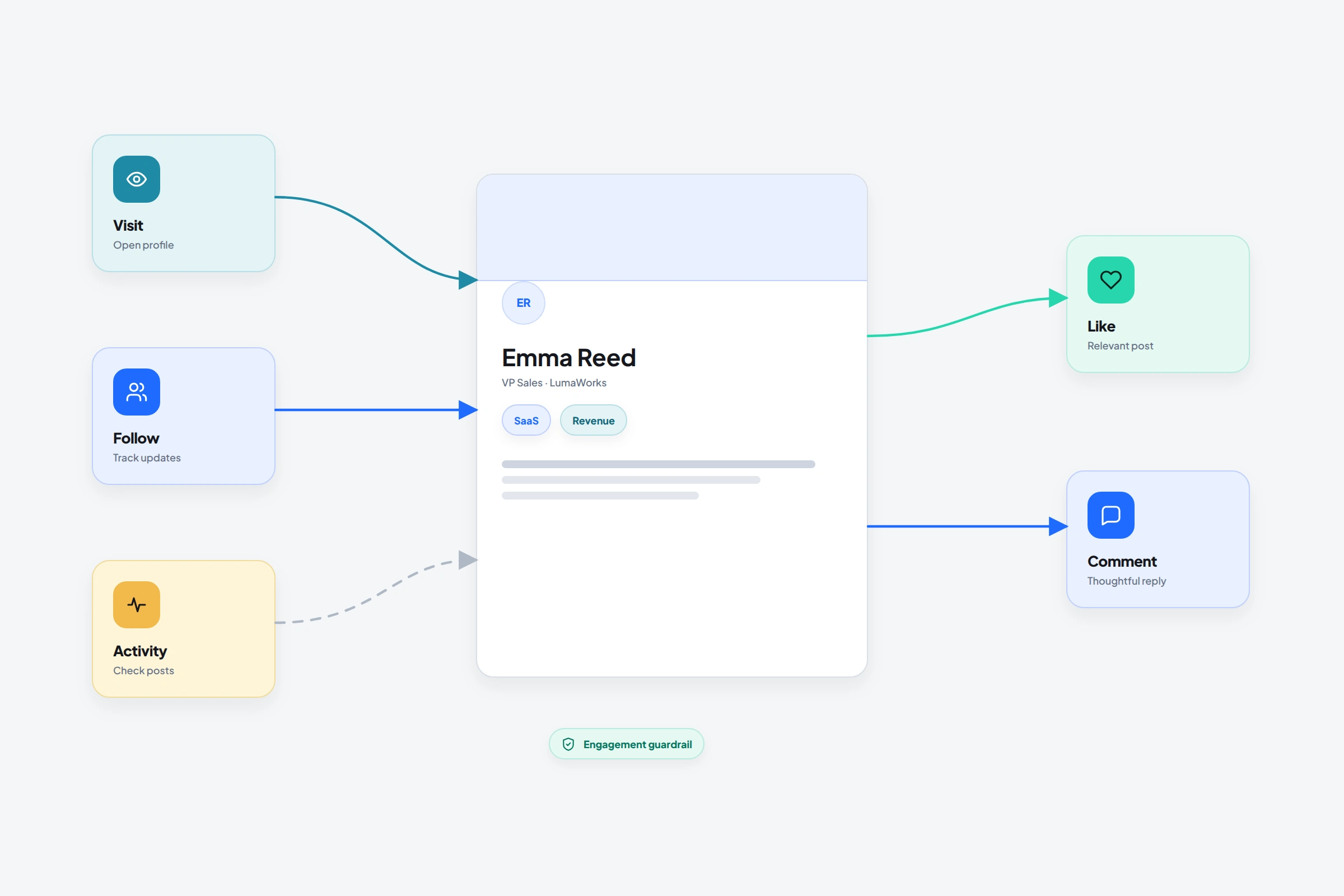
A profile visit can create a little familiarity. A generic reaction or empty comment does the opposite: it makes the sequence look manufactured. OutreachGenie keeps visits, follows, recent-activity checks, reactions, and comments as separate actions so you can use one when it has a job and leave it out when it doesn't.
01
Give each engagement action one job
If two actions serve the same purpose, choose one. The recipient experiences the actions, not your flow diagram, and too many touches in a short window can feel manufactured.
- Visit profile: review context or create light awareness
- Follow profile: keep future public activity visible
- Check profile active: avoid building a post sequence around a dormant profile
- Like post or profile posts: acknowledge something specifically relevant
- Comment on post: contribute a useful public response
02
Build an engagement-first branch
- 01
Visit and review the profile
Use the profile to confirm role, company, current focus, and whether a recent post gives you legitimate context.
- 02
Check recent activity
Branch away from post engagement when the profile has no recent activity instead of forcing a failing action.
- 03
Choose one public touch
React to a relevant post or prepare a thoughtful comment. A comment should add information, a question, or a real experience.
- 04
Wait before private outreach
Don't compress a profile visit, like, comment, invitation, and message into the same session.
03
Comments need a higher review bar
A reaction is small; a comment speaks in your name in public. Use a specific post URL and review the exact comment text. Avoid empty compliments, invented personal details, and generic statements that could fit any post.
If the flow can't produce a contribution you would stand behind manually, remove the comment action. Automation shouldn't be a reason to lower the standard of your public voice.
04
Measure the conversation, not the activity count
Profile views and reactions are activity metrics. They matter only if they help the right people recognize you, accept a relevant connection, or start a real conversation. Review downstream acceptance and reply quality instead of optimizing for the number of actions completed.
LinkedIn states that third-party automation isn't allowed. Even restrained, context-aware engagement remains subject to that policy and to account restrictions.
Common questions
Questions that come up in practice
Can OutreachGenie visit and follow LinkedIn profiles?
Yes. Visit profile and Follow profile are available flow actions, and profile visits can optionally trigger a webhook.
Can OutreachGenie check whether a prospect is active on LinkedIn?
Yes. Check profile active can branch the flow based on whether the current profile has recent LinkedIn activity.
Can I automate LinkedIn comments?
OutreachGenie includes a Comment on post action for a specific post URL. Public comments deserve careful human review because they represent your voice and can easily feel generic.
Research used for this guide
Try the workflow