
Prospect lists and fields
How to organize LinkedIn prospects into lists you can actually reuse
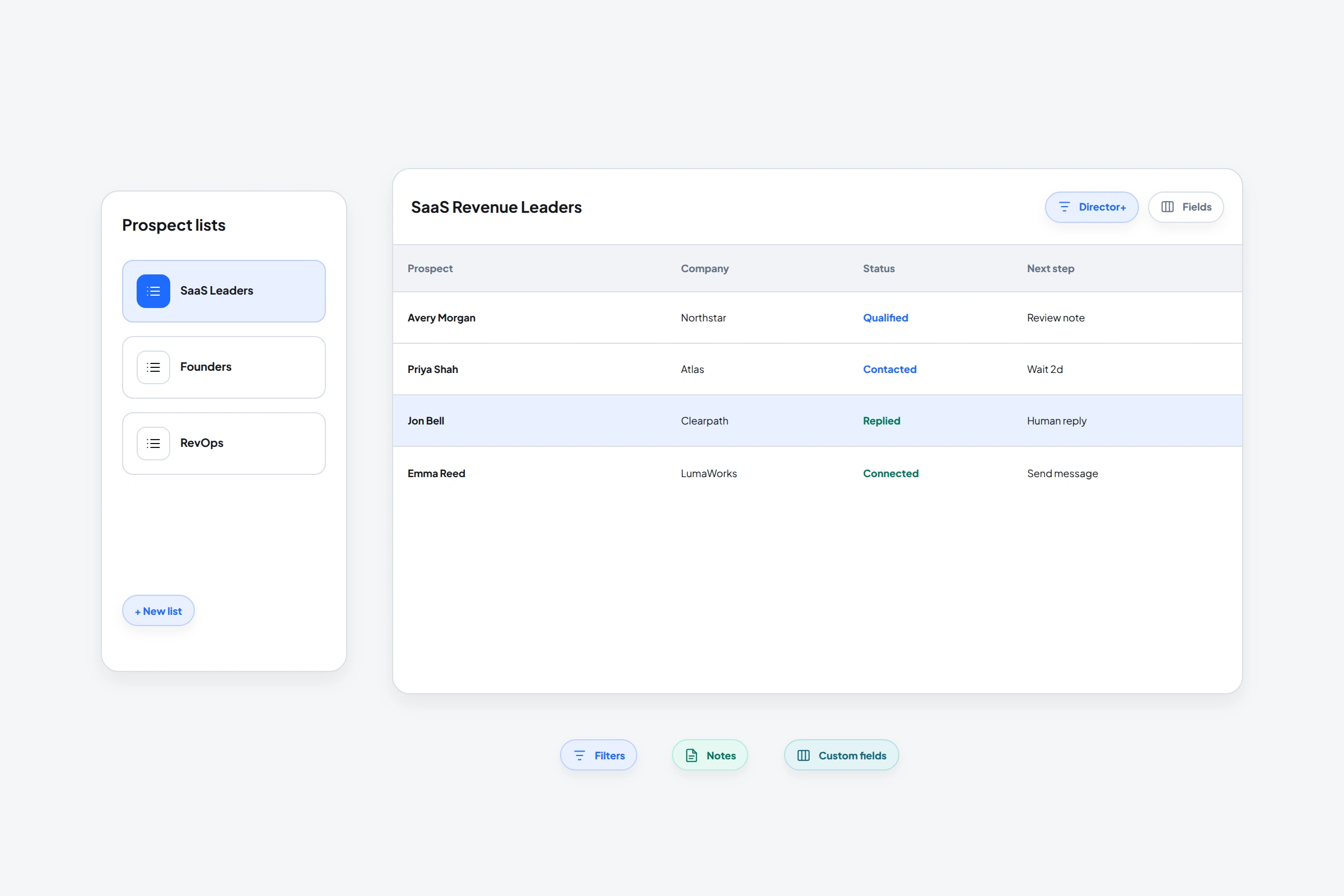
A prospect list should answer one question: why do these people belong together? “We found them on LinkedIn” isn't enough. OutreachGenie can collect people from search, profiles, post engagement, CSV files, or manual entry, but the list still needs one clear reason to exist.
01
Use a naming rule that survives next month
A useful format is Market, Role, Trigger or Source. “UK RevOps leaders, attribution post” tells you who is inside and why the list exists. “LinkedIn leads 17 August final v2” doesn't.
Don't put campaign progress into the list name. Campaigns already track their own state, and the same audience may be useful for a different flow later.
02
Choose the right place for each detail
- List: the shared audience rule
- Prospect field: a reusable fact such as region, role, or connection state
- Custom field: a business-specific value you will filter or report on
- Note: context that is useful but doesn't fit a stable column
- Campaign: the specific flow, run state, and activity history
03
Review the list before it becomes an audience
- 01
Search for obvious mismatches
Filter by title, company, connection status, missing profile URL, or any custom field that represents fit.
- 02
Check duplicates and overlaps
A person can intentionally appear in multiple lists, but they should remain one prospect record with clear campaign history.
- 03
Export when review needs another tool
Download the data when a teammate needs a spreadsheet check, but keep OutreachGenie as the working source for the campaign.
04
Lists are for reuse, campaigns are for execution
This distinction prevents a common mess: cloning the same people into a new spreadsheet every time the message changes. Keep the audience stable, build or revise the flow, then create a campaign that connects the two.
LinkedIn's Sales Navigator list guidance similarly emphasizes organizing workflow, filtering, notes, and outreach activity. The tools differ, but the operating principle is the same: a list is more valuable when it retains context.
Common questions
Questions that come up in practice
Can a prospect belong to multiple OutreachGenie lists?
Yes. Lists organize the same prospect record into useful audiences without requiring a separate copy of the person for every list.
Should I create one list per campaign?
Not necessarily. Create a new list when the audience rule changes. A reusable list can support more than one carefully reviewed campaign over time.
Can I export an OutreachGenie prospect list?
Yes. Prospect and list views include export actions for taking the managed data into a CSV workflow when needed.
Research used for this guide
Try the workflow