
Campaigns and analytics
How to launch a LinkedIn outreach campaign without mixing up the list and the sequence
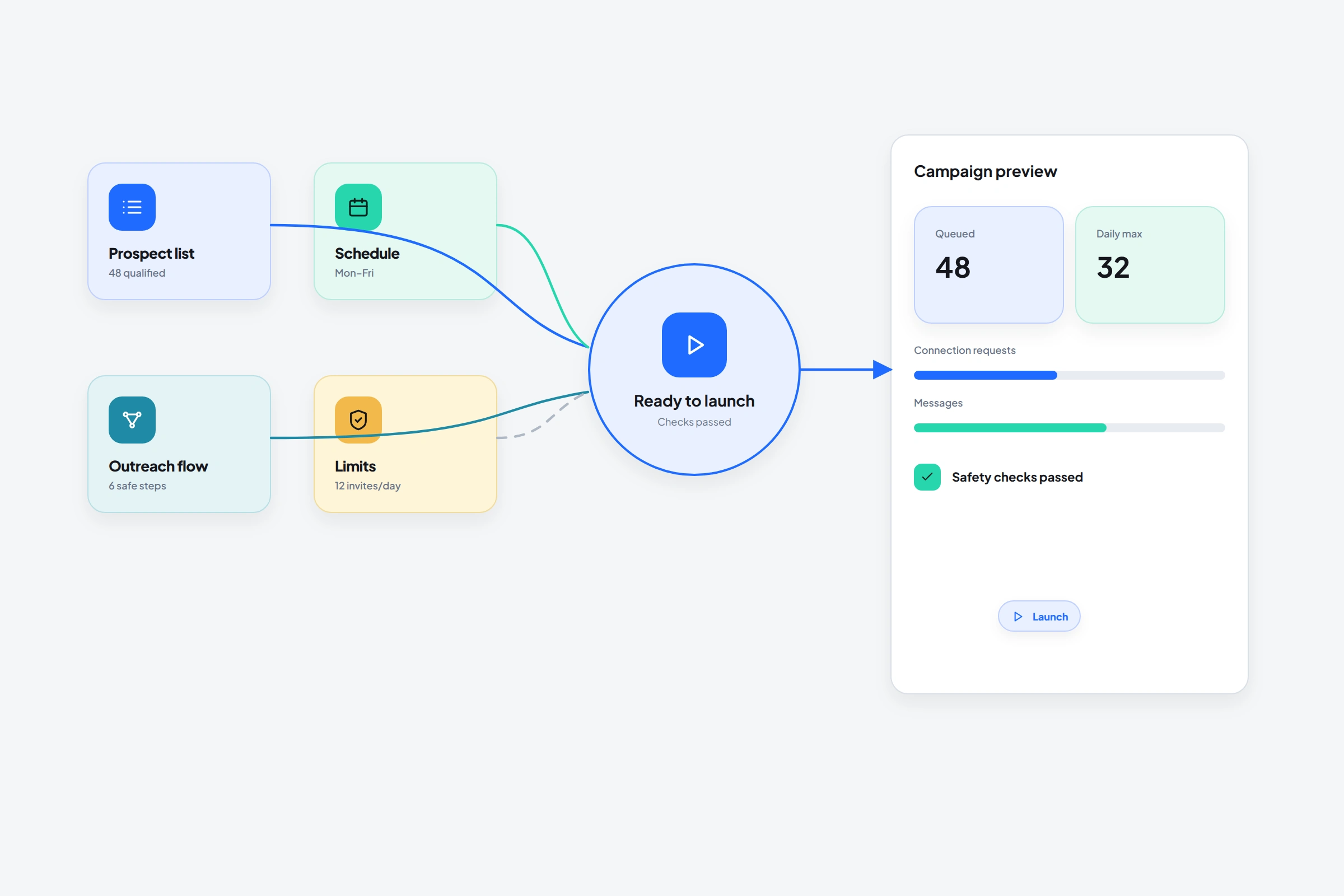
A campaign joins an audience to a behavior.
The list decides who can enter. The flow decides what may happen.
OutreachGenie keeps both reusable, then joins one list to one flow at launch. That gives you a final review point and a place to inspect each prospect's activity.
01
Finish the upstream work first
- The list has a clear audience rule and no obvious mismatches
- The flow has waits, state checks, and stop conditions
- Message copy has been read in the context of this audience
- Daily limits and working hours match the connected account
- The browser extension and workspace connection are healthy
02
Create the campaign in OutreachGenie
- 01
Name the campaign for the audience and purpose
A name such as UK RevOps, attribution conversation is easier to recognize than Campaign 12.
- 02
Choose the prospect list
Confirm the count and inspect the list one more time. Don't use a broad holding list by accident.
- 03
Choose the flow
Open the flow if necessary and verify that its messages and branches match this audience.
- 04
Review and create
The campaign summary is the final point to catch a wrong list-flow combination before execution.
- 05
Start and monitor
Use campaign activity and analytics to see what is running, completed, waiting, or failed for each prospect.
03
Read campaign results as a chain
A low reply count doesn't automatically mean the last message is bad. Check the chain: source quality, list match, successful action execution, invitation acceptance, delivered messages, and then replies.
Fix the earliest weak link first. Rewriting follow-up copy won't repair a search that imported the wrong job titles.
04
When to stop rather than optimize
- LinkedIn shows a restriction, warning, or verification challenge
- The list contains systematic mismatches
- Replies indicate the premise is wrong or misleading
- A flow action fails repeatedly or follows the wrong branch
- A teammate needs to take over live conversations manually
Common questions
Questions that come up in practice
What is an OutreachGenie campaign?
A campaign connects one prospect list with one reusable flow and tracks the resulting execution and prospect activity.
Can I change a flow without rebuilding the list?
Lists and flows are separate resources. Review the effect on active campaigns carefully before changing a flow that is already in use.
What should I monitor first?
Start with execution health and audience quality, then acceptance and reply outcomes. A campaign can't outperform a broken action or mismatched list.
Research used for this guide
Try the workflow