
Safety and pacing controls
LinkedIn automation limits, working hours, and the risk controls that actually matter
There is no magic daily number that turns prohibited automation into approved activity. LinkedIn says third-party software and browser extensions that scrape, modify, or automate activity on its website are not allowed.
Limits, waits, and working hours are still useful because they prevent your own campaign from behaving recklessly. They are operational controls, not a guarantee against detection, restriction, or policy enforcement.
01
Separate platform rules from vendor folklore
LinkedIn's help pages explain the policy and the existence of invitation limits, but they don't publish a general daily automation allowance. Numbers shared by automation vendors are operating opinions based on their own users, not permission from LinkedIn.
Use those opinions, if at all, as reminders to be conservative. Don't present them internally as official limits or promises.
02
Controls available in OutreachGenie
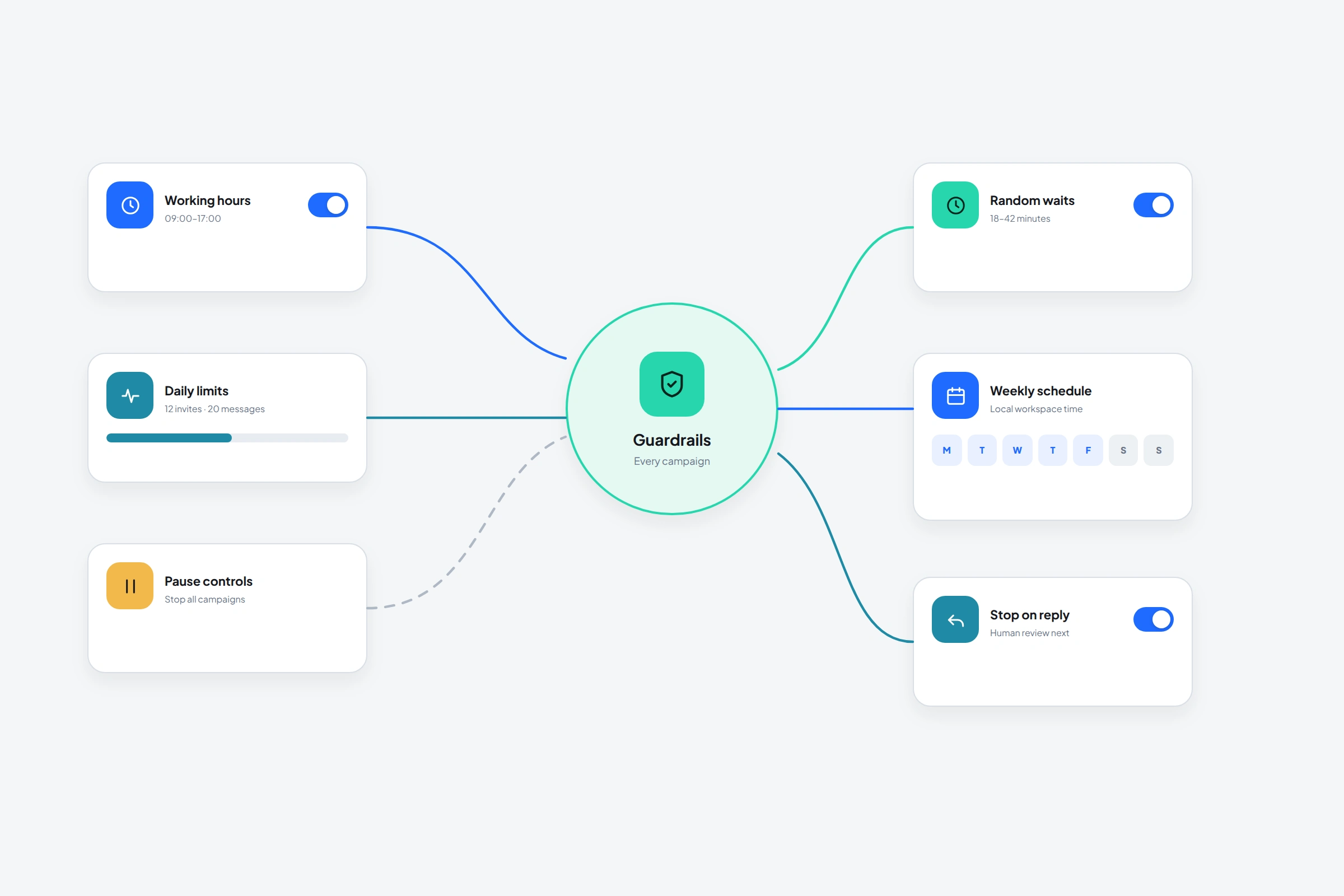
The controls work best together. A daily limit doesn't help much if every action fires at the same timestamp, and working hours don't help if the audience is badly targeted.
- Daily action limits
- Randomized or fixed waits inside flows
- Working-hour windows
- Campaign start, pause, and stop controls
- Connection, acceptance, activity, and reply branches
- Invitation-age and batch limits for cleanup
03
A conservative launch checklist
- 01
Verify the list manually
Use a small audience with a clear reason for outreach and remove obvious mismatches.
- 02
Review every action and message
Know what the recipient will experience from the first visit to the final follow-up.
- 03
Set limits below your maximum appetite
Leave room for your normal manual LinkedIn use and for other active campaigns on the same account.
- 04
Use real working windows and waits
Prevent bursts and avoid letting the campaign run unattended at times you would never be active.
- 05
Watch the first batch
Inspect action failures, invitation outcomes, replies, and any LinkedIn warning before increasing volume.
04
Stop conditions are more important than acceleration
Don't respond to a warning by trying to make the automation harder to detect. Stop, review the account state, and decide whether automation should continue at all.
- A LinkedIn restriction, warning, or verification prompt
- A spike in failed actions or unavailable profiles
- Replies showing the targeting premise is wrong
- A sequence continuing after a reply
- An acceptance pattern that suggests the audience doesn't recognize the relevance
Common questions
Questions that come up in practice
What is the official safe daily limit for LinkedIn automation?
LinkedIn doesn't publish an official safe automation limit. It says third-party software that automates activity on its website isn't allowed.
Will withdrawing old invitations restore my invitation limit?
LinkedIn says withdrawing pending invitations doesn't remove an active invitation restriction. Cleanup can improve account hygiene but isn't a restriction bypass.
Do randomized delays make automation compliant?
No. Delays can reduce accidental bursts, but they don't change LinkedIn's policy on third-party automation.
Research used for this guide
Try the workflow