
LinkedIn search import
How to import prospects from LinkedIn search into a working list
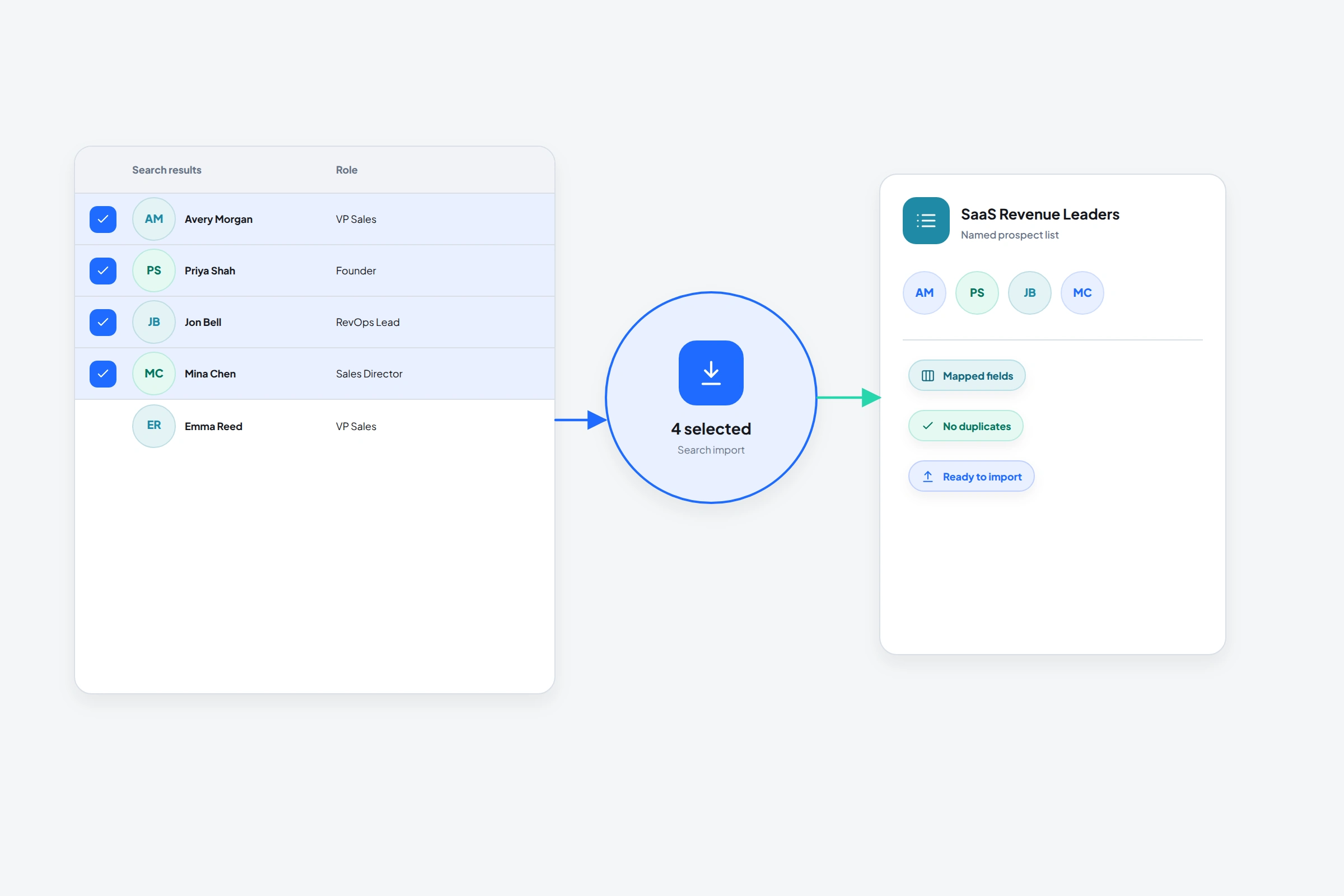
LinkedIn search results are raw material, not a finished lead list. Expect outdated titles, loose keyword matches, and people you already know.
The OutreachGenie sidebar captures the current search, asks how many results to process, and saves them to a named list. The source stays attached to the batch.
Keep the first import small. If you can't explain why a profile belongs after opening it, the batch is already too large to review properly.
01
Make the search do some of the qualification
Start with the role and company characteristics that would still matter after the person replies. Add geography or industry only when they affect the offer. A narrow title list with the right company context is usually more useful than a broad search with ten cosmetic filters.
LinkedIn Sales Navigator's own workflow asks users to apply lead filters, run the search, then save selected profiles. That order is sensible even outside Sales Navigator: filter first, inspect the result shape, and only then save people.
02
Import the search with the browser sidebar
- 01
Open the final people-search results
Finish changing filters before you import. OutreachGenie captures the current search context, including the result pages it needs to process.
- 02
Choose Search results in OutreachGenie
The sidebar recognizes a people-search page and opens the matching import job.
- 03
Set the amount and destination
Choose a modest limit, then select an existing list or create one with a descriptive name such as UK RevOps leaders, B2B SaaS.
- 04
Review the progress and resulting list
Keep the sidebar open while it reports progress. After import, open the list and check title, company, LinkedIn URL, and obvious duplicates.
03
What to remove before outreach
- People whose current title no longer matches the search intent
- Profiles with no clear connection to the problem you solve
- Existing customers, colleagues, competitors, and current conversations
- Duplicate people already present in another active campaign
04
Keep the list reusable
A list should survive beyond one campaign. Use notes or custom fields for the detail that made a prospect relevant, and export the clean set when a teammate needs to work with it elsewhere.
If the search changes meaning, create a new list instead of quietly mixing the new audience into the old one. Clean list boundaries make campaign results easier to interpret.
Common questions
Questions that come up in practice
Can OutreachGenie import multiple LinkedIn search pages?
Yes. The search import job can move through result pages until it reaches the limit you selected or runs out of matching results.
Should I import every search result?
Usually not. Begin with a smaller batch, check match quality, then continue if the search is producing the right people.
What field matters most in a LinkedIn prospect import?
Keep the normalized LinkedIn profile URL. It's the most reliable link back to the source profile and the browser workflow.
Research used for this guide
Try the workflow