
Import prospects from comments
How to turn LinkedIn post comments into a useful prospect list
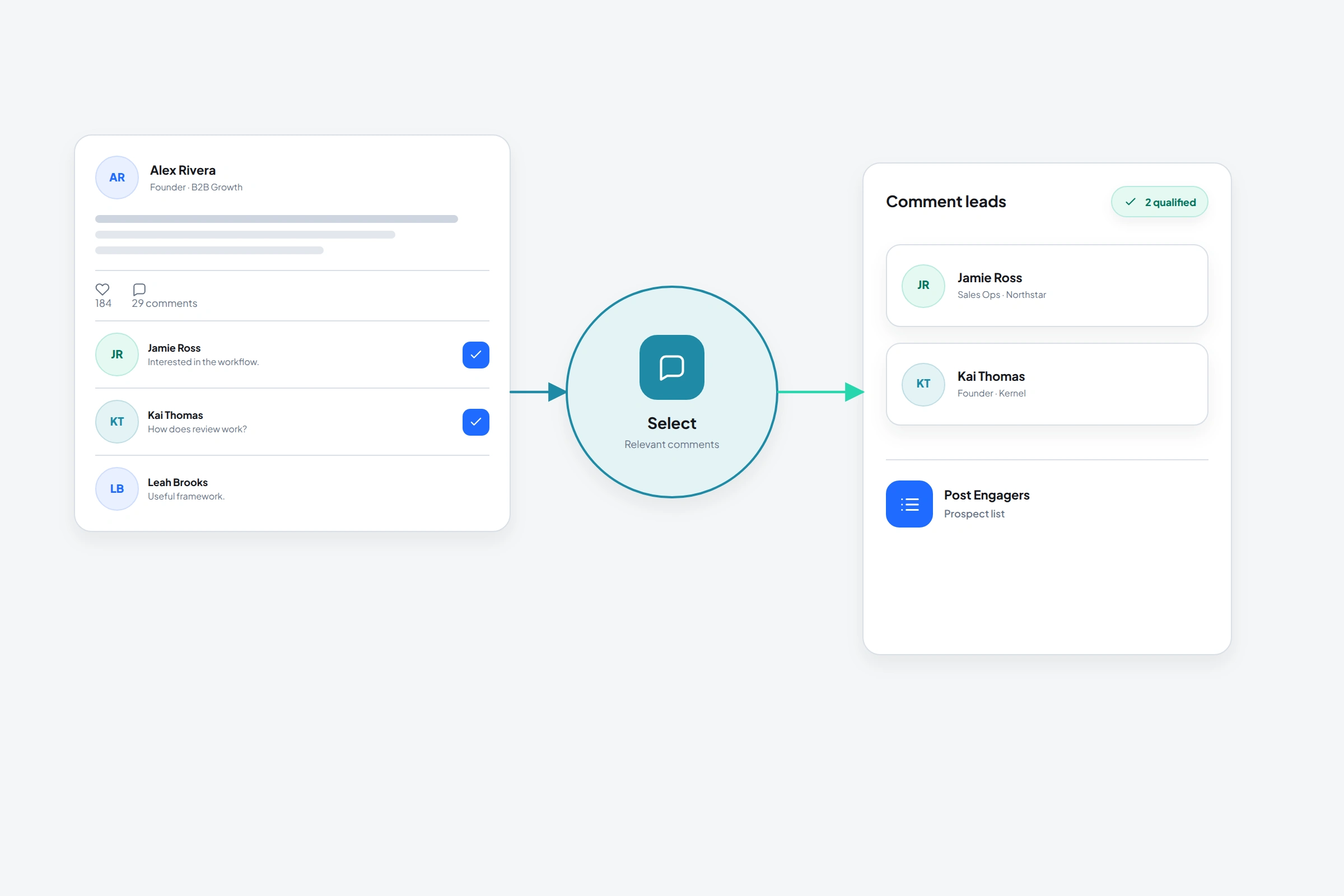
A LinkedIn comment gives you something a database row can't: the topic and the person's own words. That still doesn't make the commenter qualified. OutreachGenie can collect the profiles, but you need to read the thread and remove courtesy comments, giveaway keywords, and unrelated opinions.
01
Choose the right post
The best source post is close to the problem your product solves and specific enough that engagement means something. A broad motivational post may attract hundreds of comments and still produce almost no qualified prospects.
Look for comments that add an example, ask a question, disagree with a useful reason, or describe current work. Those signals give you more to review than a one-word giveaway response.
02
Import commenters with OutreachGenie
- 01
Open the post
Use the LinkedIn post itself, not a copied screenshot. The sidebar detects post engagement and offers comments and reactions as sources.
- 02
Select Comments and set the limit
Import enough profiles to make the review worthwhile, but not so many that you skip qualification.
- 03
Choose or create the destination list
Name it after the topic and source, for example Commenters, PLG onboarding discussion.
- 04
Review before outreach
Check the profile, the original comment, the person's role, and whether the topic is actually relevant to your work.
03
Use context without sounding watched
A useful message doesn't announce that you exported the person from a comment list. It continues the public conversation naturally: mention the idea they raised, add something relevant, and give them an easy way not to continue.
Avoid pretending the comment is purchase intent. Someone can care about a topic without wanting your product. The first goal is a relevant conversation, not a calendar link.
- Does the person match the role or company profile you serve?
- Did the comment show experience, curiosity, or a live problem?
- Can you explain why a conversation would help them?
- Would the message still feel reasonable if you sent it manually?
Common questions
Questions that come up in practice
Can OutreachGenie export LinkedIn commenters?
OutreachGenie imports commenter profiles into a workspace list, where you can review, annotate, filter, and later export the prospect data you manage.
Are LinkedIn commenters warm leads?
They are warmer signals than unrelated cold profiles when the post topic is relevant, but the comment alone doesn't prove fit or buying intent.
Should I message everyone who comments?
No. Remove weak matches and write to the people for whom you have a specific, honest reason to continue the conversation.
Research used for this guide
Try the workflow